NeonRoof Platform
WPF / Shared ASP.NET Core API / SQL Server / SignalR
NeonRoof Platform is the Windows launcher for the wider NeonRoof ecosystem. The WPF client signs into the same ASP.NET Core API used by NeonRoof.com, then moves through the store, library, marketplace, community chat, direct messages, wallet, and publisher dashboard without splitting identity or catalog data between desktop and web. Real-time rooms and messaging are tied together through SignalR, while the shared backend handles SQL-backed accounts and platform data, Cloudinary media uploads, Cloudflare R2 build and protected document storage, Stripe checkout and payout flows, Printify merch syncing and fulfillment webhooks, plus account email flows through Resend and SMTP. Sensitive keys stay on the server through configuration and environment-variable-backed secrets, so the desktop client talks to the API without carrying third-party credentials locally.
Tech Stack
Page Showcase
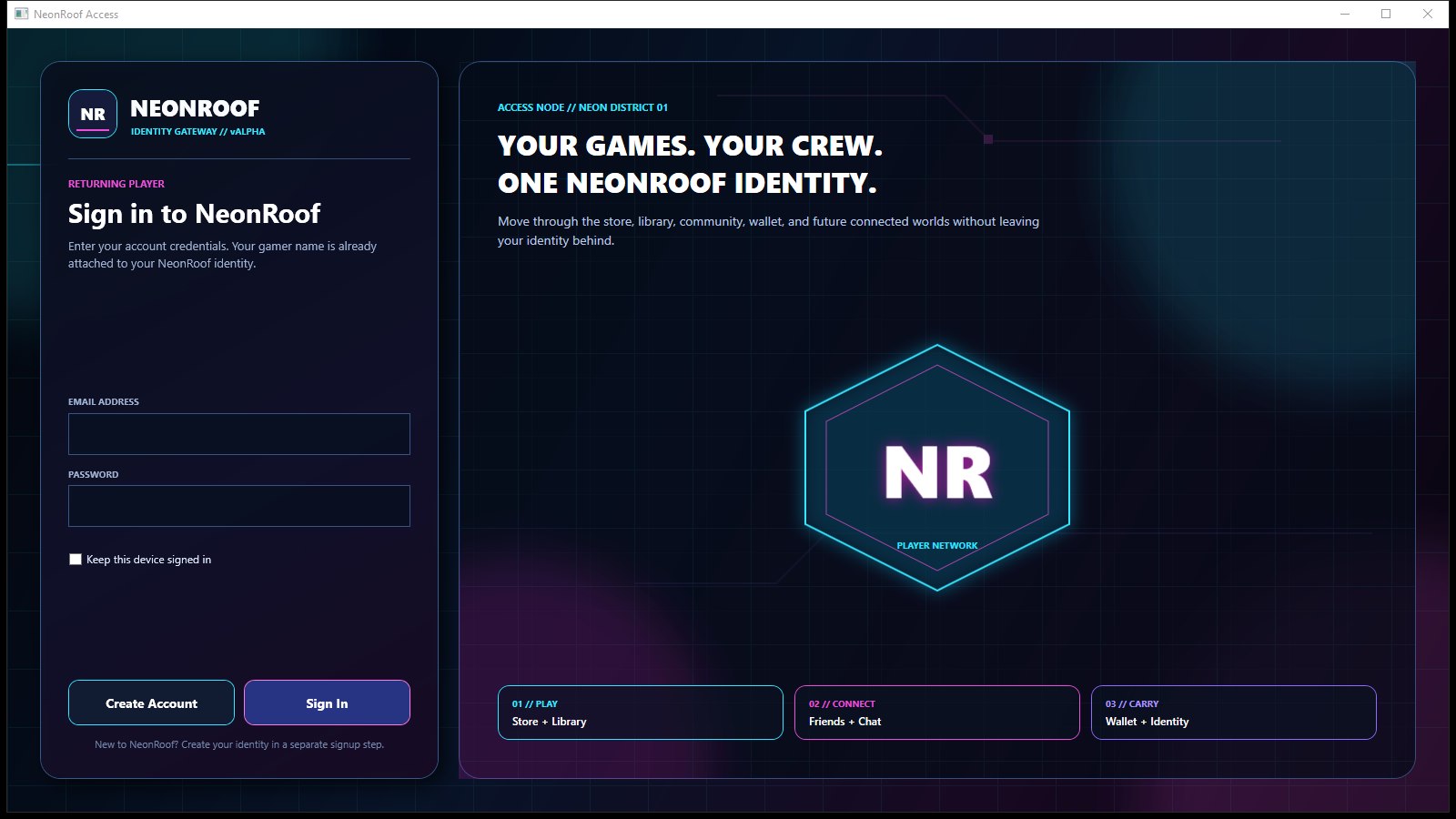
Secure Sign-In
Windows launcher sign-in screen tied to the shared NeonRoof account system and API.
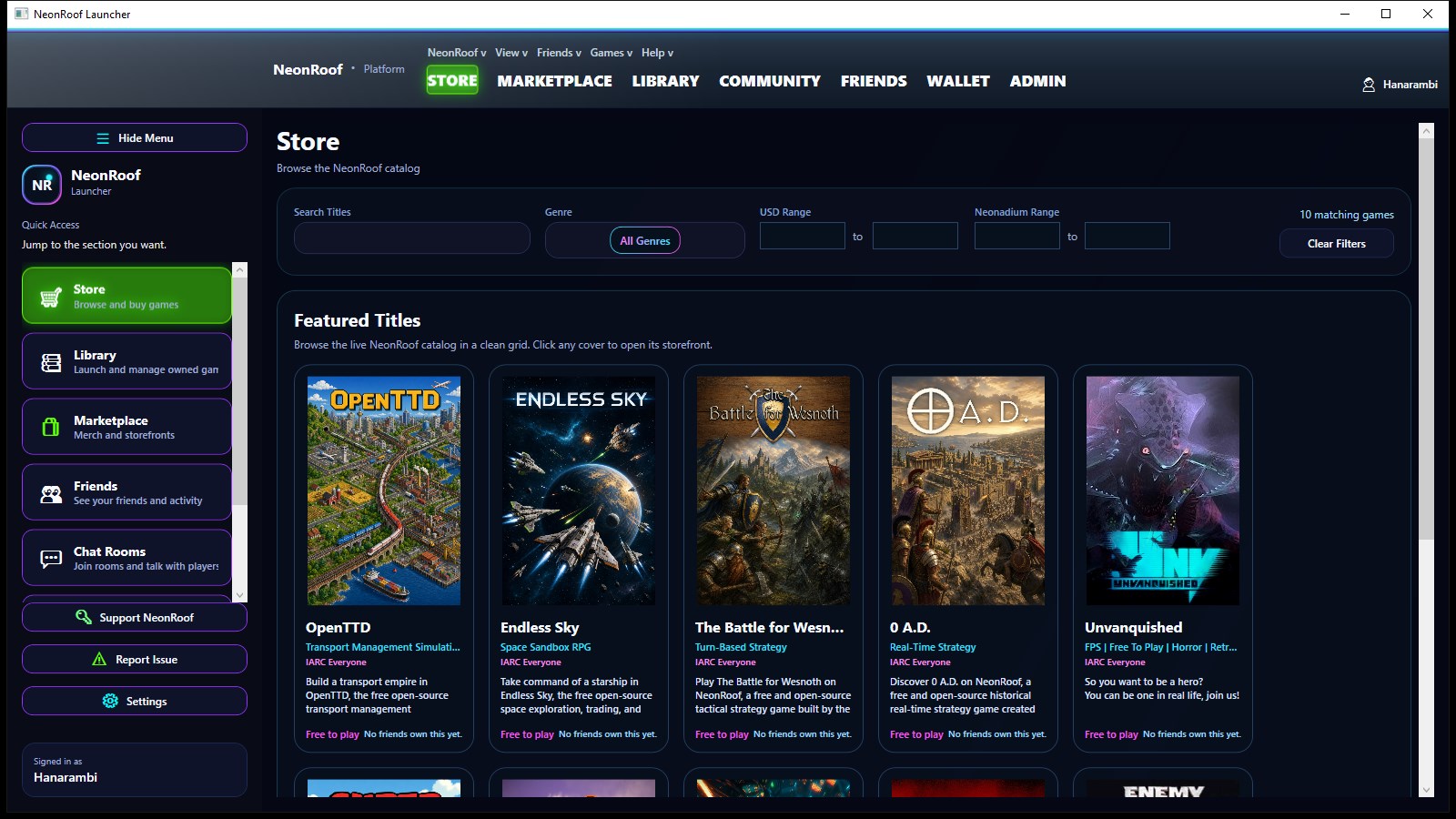
Desktop Store
Launcher storefront for browsing the live catalog, filters, featured titles, and platform offers.
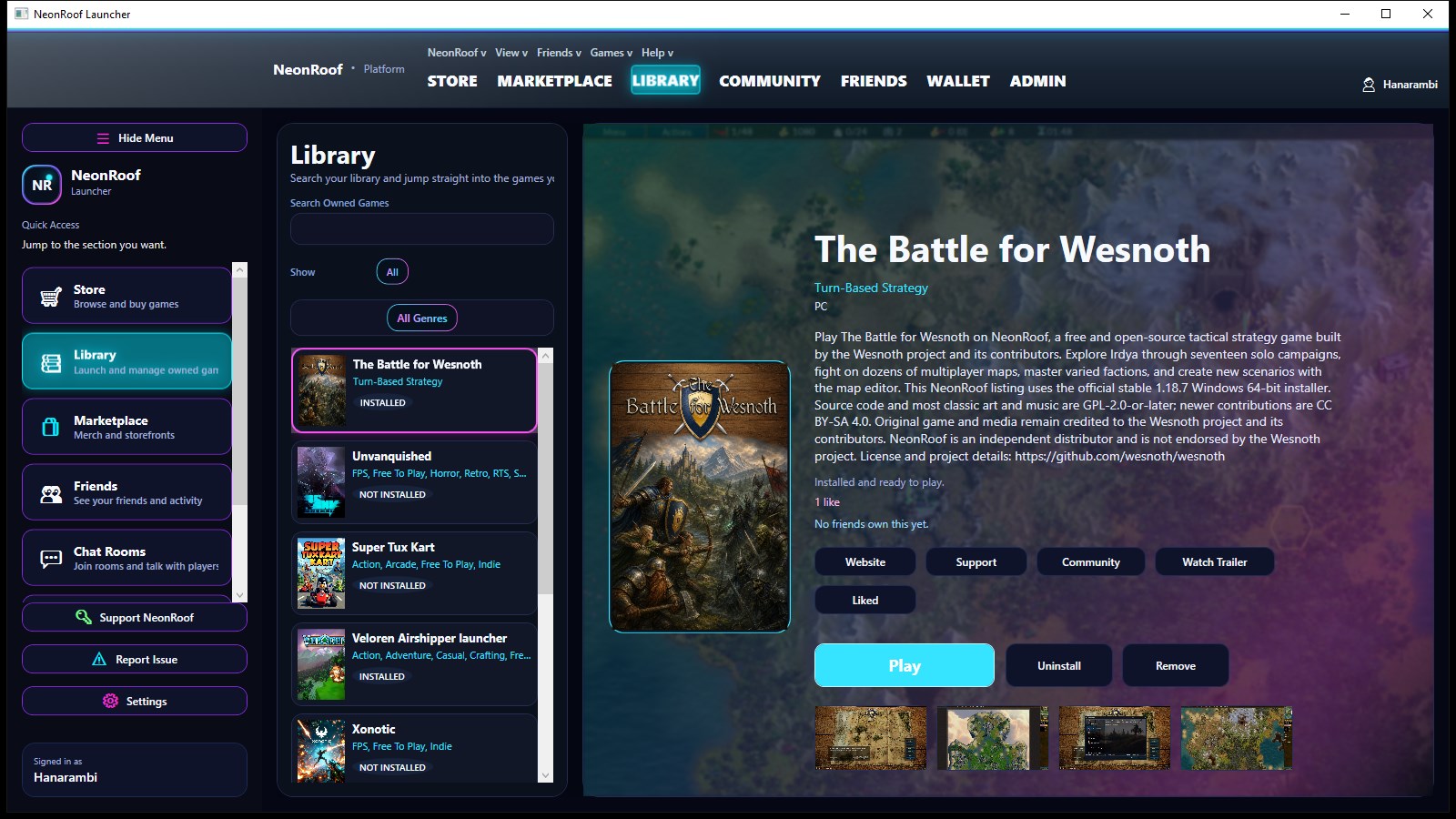
Game Library
Installed and owned games view with launch actions, metadata, cover art, and library management.
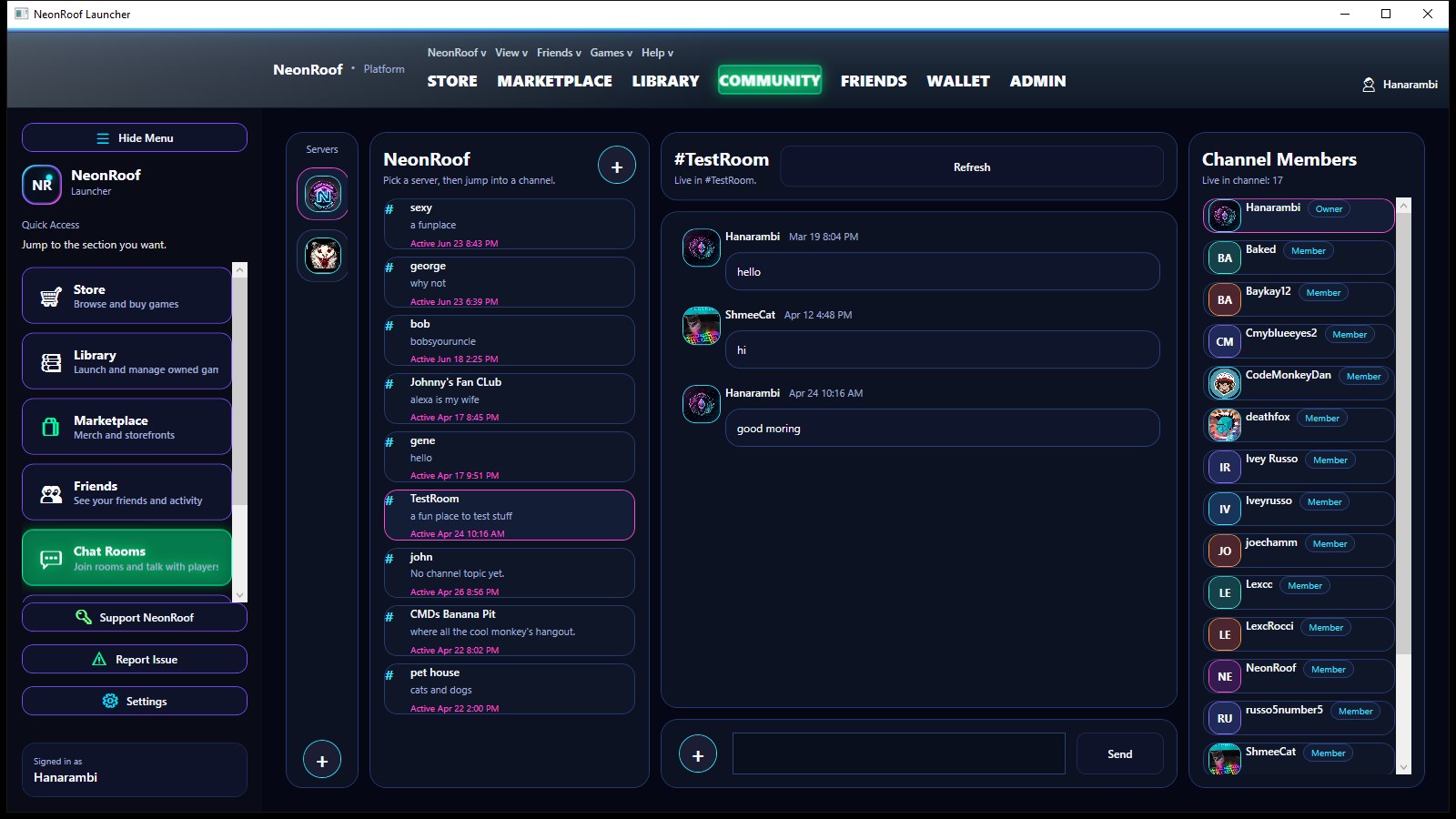
SignalR Chat Rooms
Server and channel-based community chat running through the same SignalR-backed realtime layer as the web app.
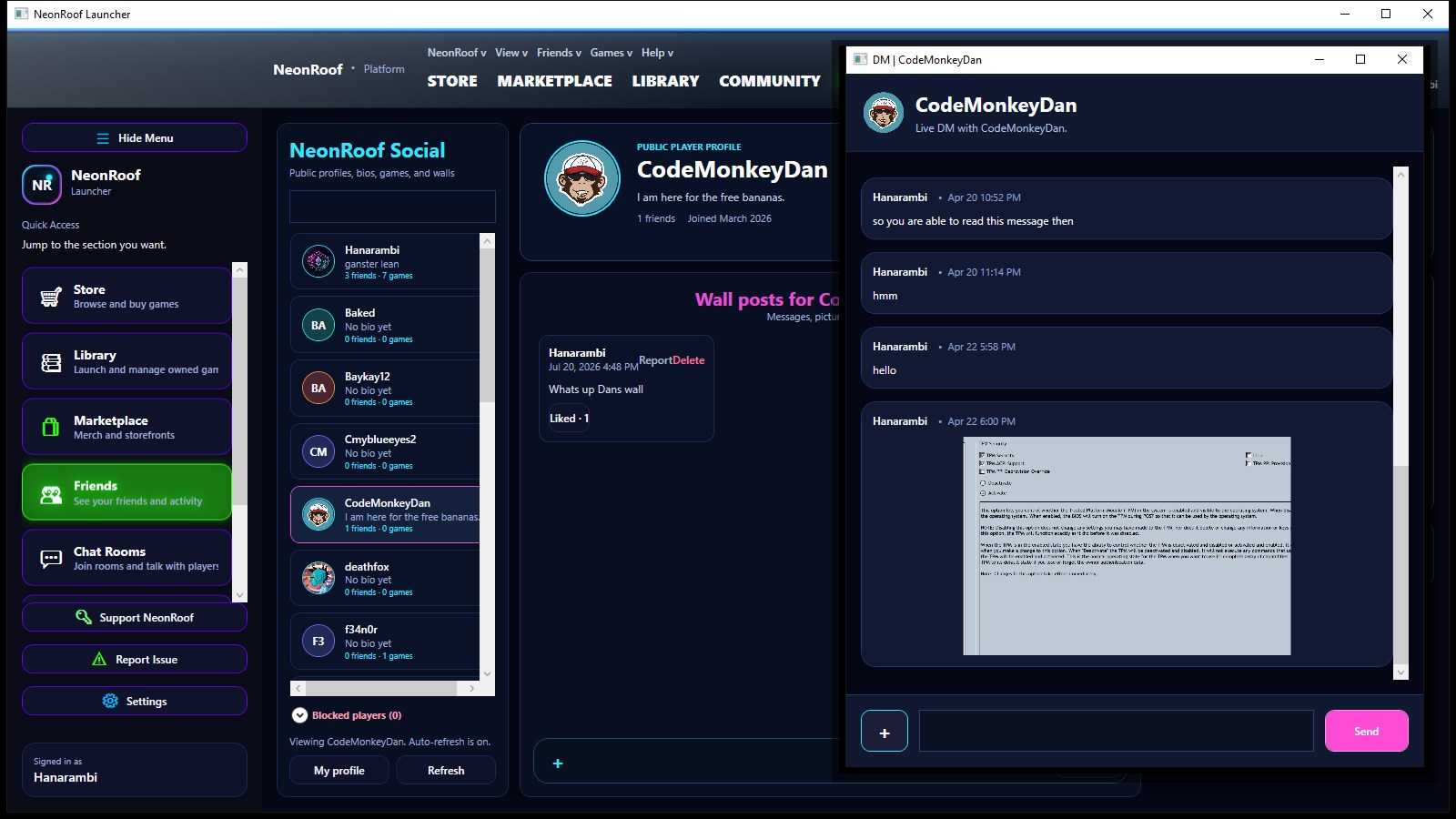
Direct Messages
Player-to-player messaging with detachable desktop conversation windows and shared media support.
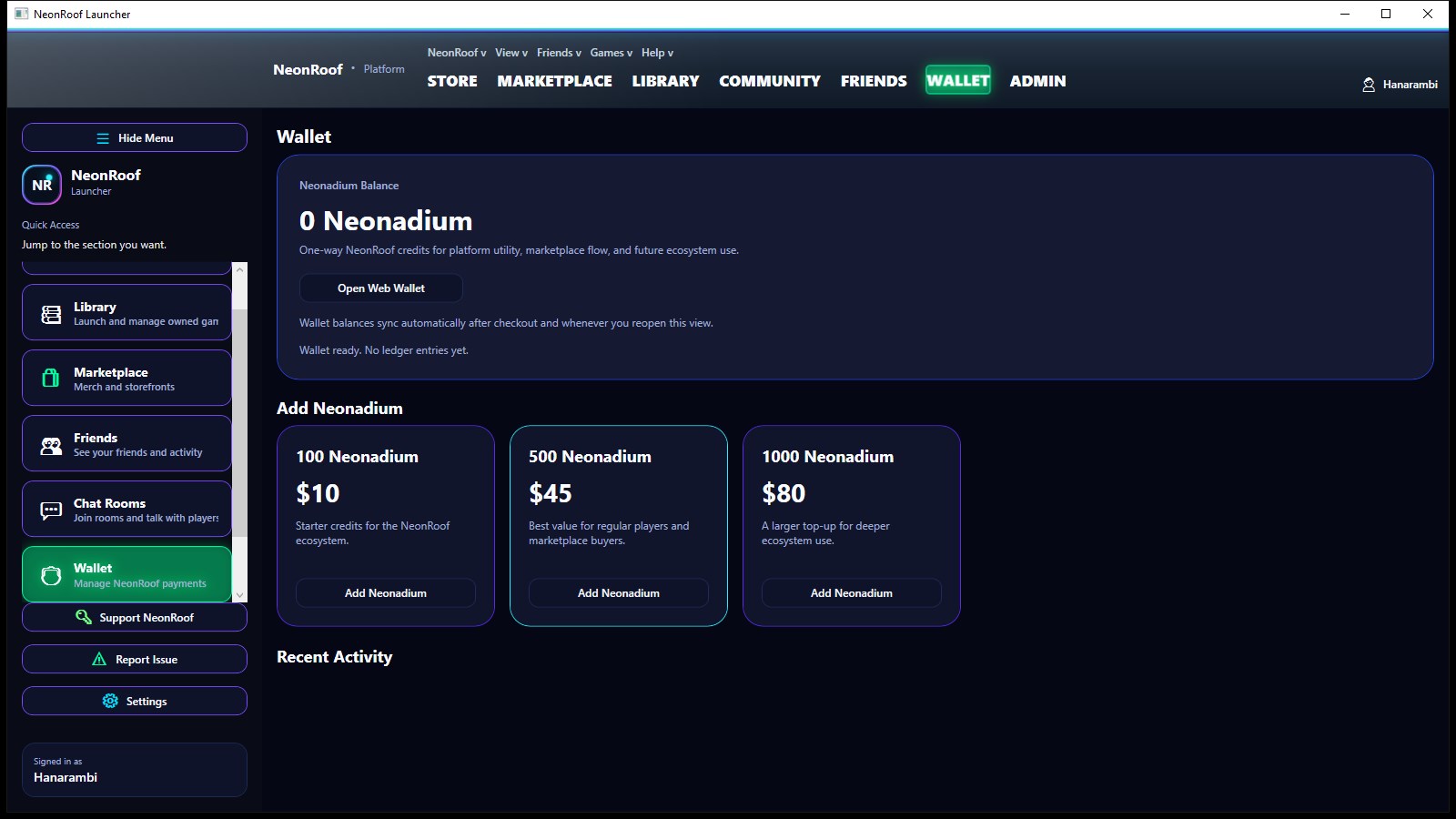
Wallet
Desktop wallet view for Neonadium balances and Stripe-backed top-up flows.
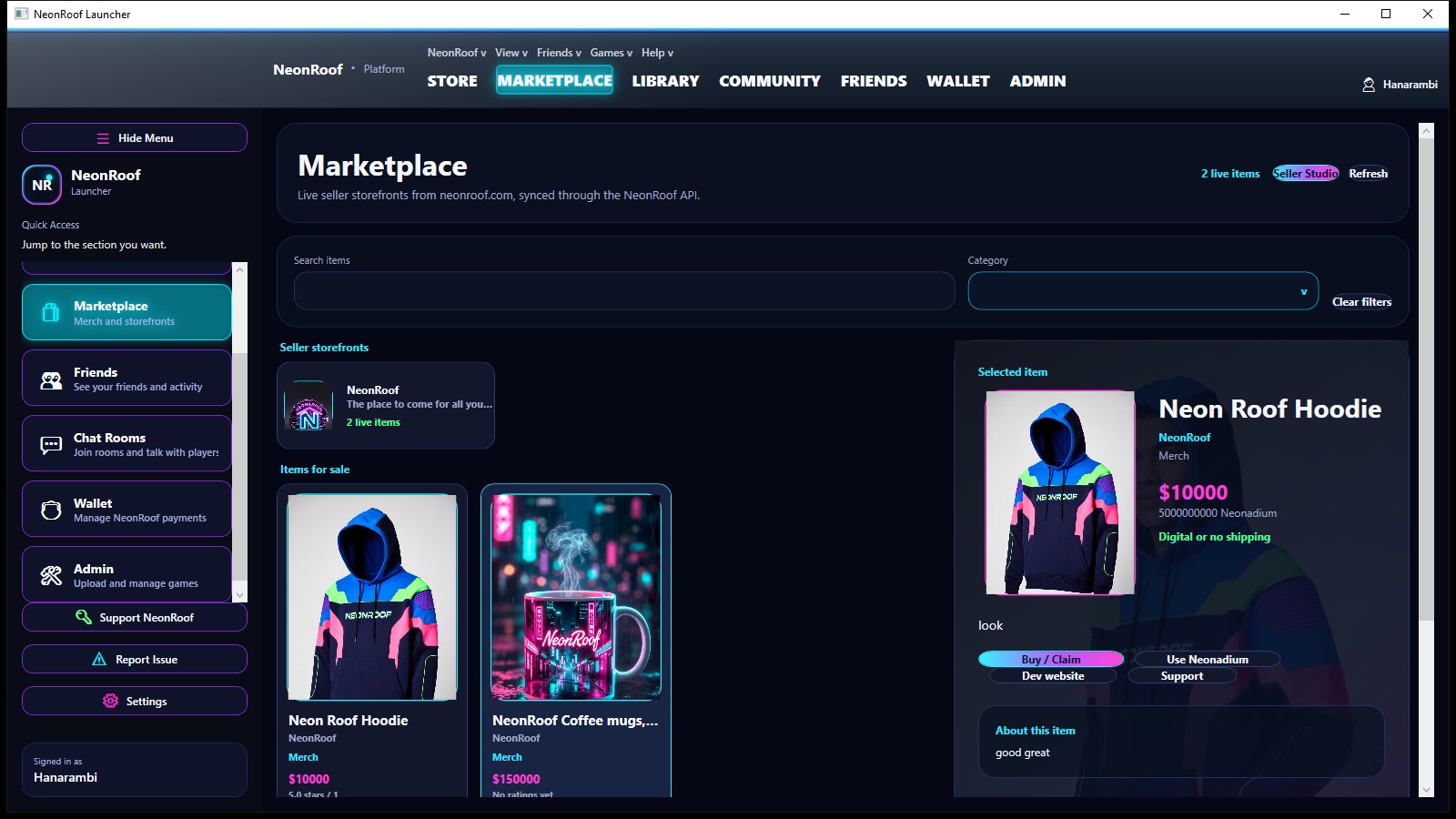
Marketplace
Launcher marketplace surface for storefronts, merch, and connected creator listings synced from the shared platform.
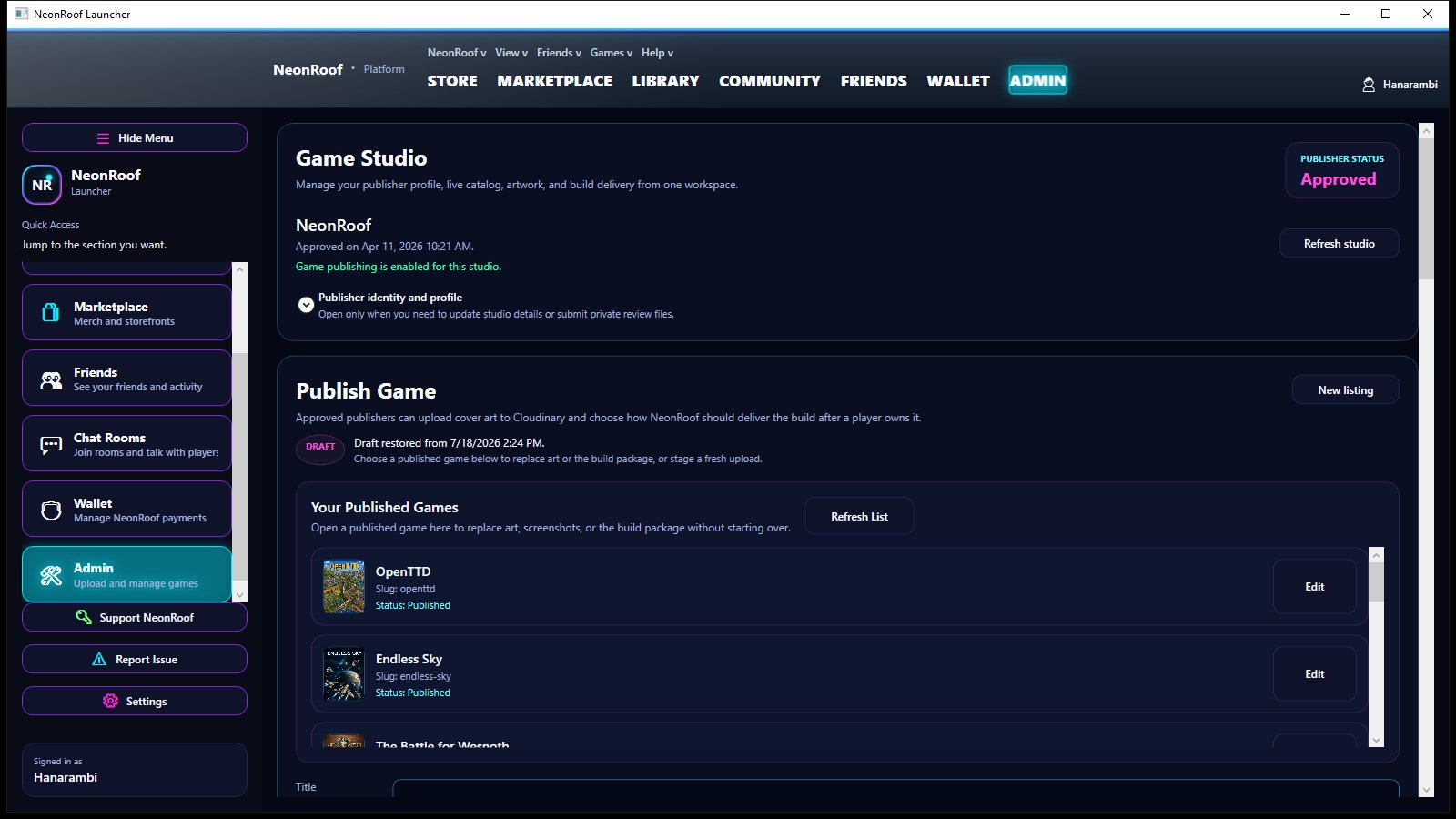
Publisher Dashboard
Studio and admin workflow for approving publisher data, managing live titles, and pushing platform content.
NeonRoof.com
Blazor / Shared ASP.NET Core API / SQL Server / SignalR
NeonRoof.com is the browser-facing side of the same NeonRoof platform. It shares the same ASP.NET Core API, SQL-backed data, account model, and realtime community layer as the WPF launcher, which lets the public store, developer onboarding, marketplace, profiles, support flows, and SignalR chatrooms stay aligned instead of behaving like a separate product. The shared backend also connects Cloudinary for community and game media, Cloudflare R2 for hosted builds and protected uploads, Stripe Checkout and Stripe Connect for wallet credits and seller payouts, Printify for merch sync and fulfillment updates, plus Resend and SMTP services for account email flows. Secrets stay server-side through options-bound configuration and environment-variable-backed values, which keeps both the web app and desktop client clean while still plugging into the same platform services and future client surfaces.
Tech Stack
Page Showcase
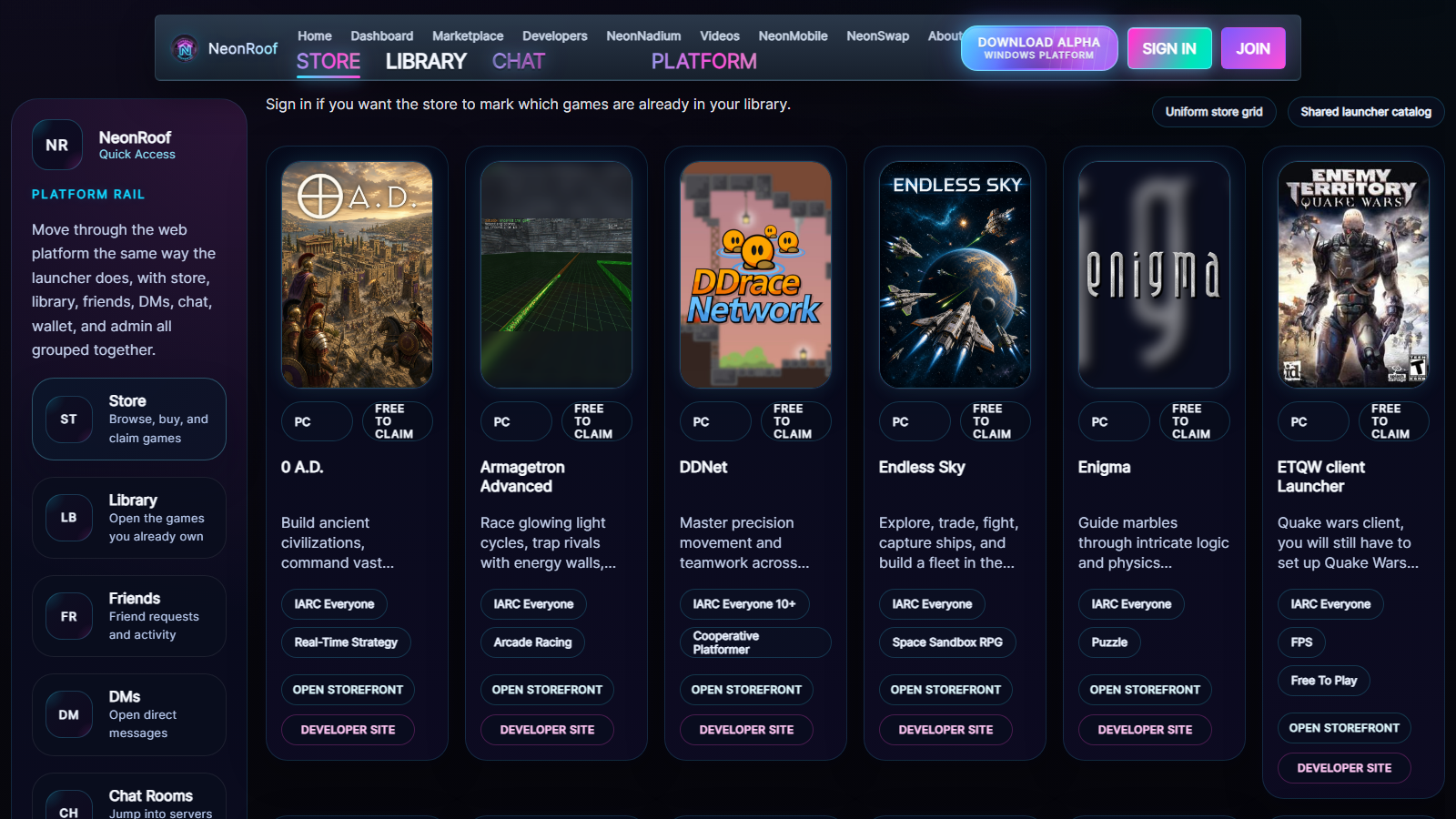
Web Store
Browser storefront with the live catalog, platform navigation, cover art, and storefront handoffs.
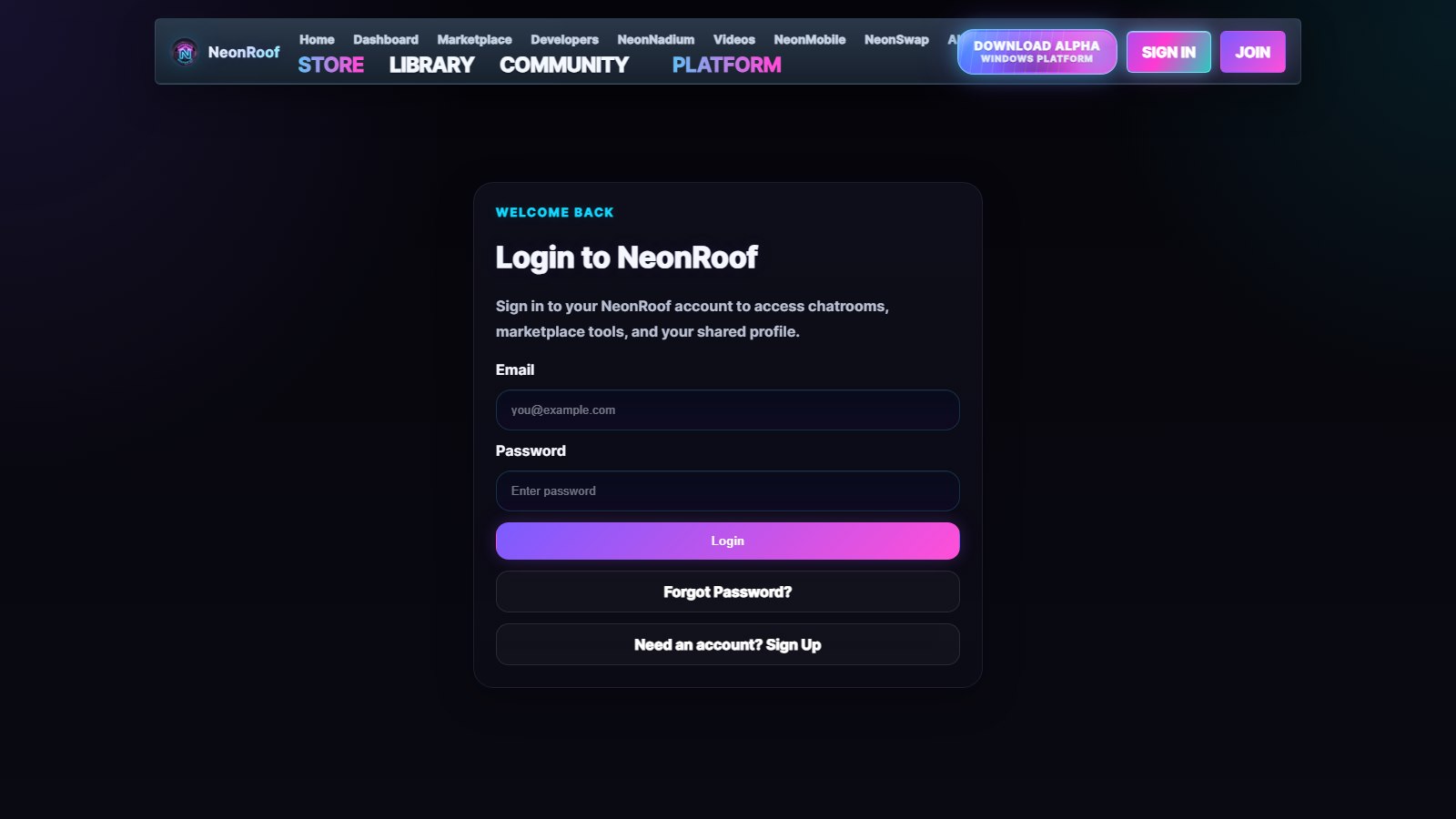
Account Login
Shared NeonRoof sign-in flow for chatrooms, marketplace tools, and profile-driven platform access.
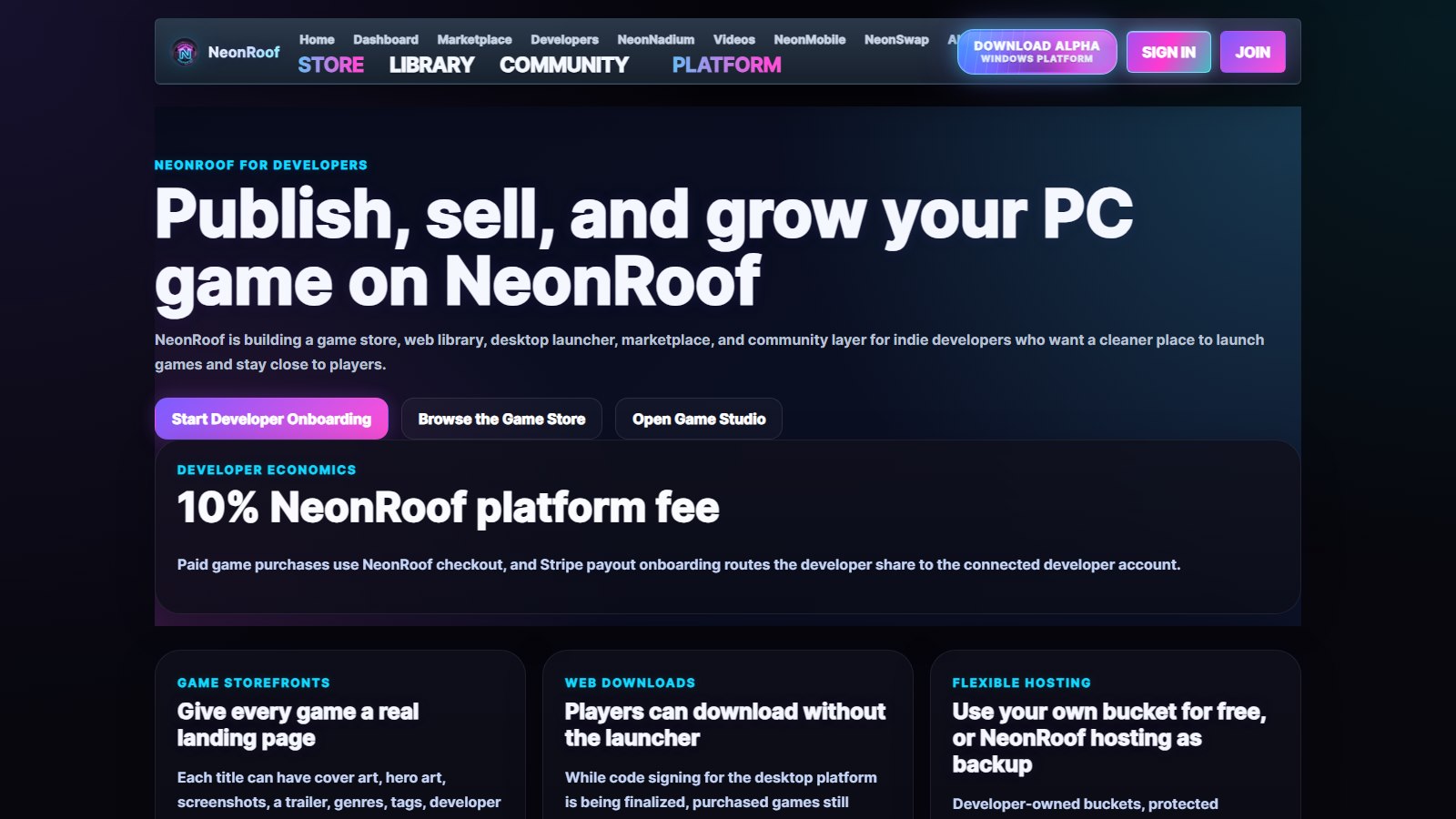
Developer Onboarding
Web entry point for publishing, payouts, storefront setup, and game onboarding on the same API as the launcher.
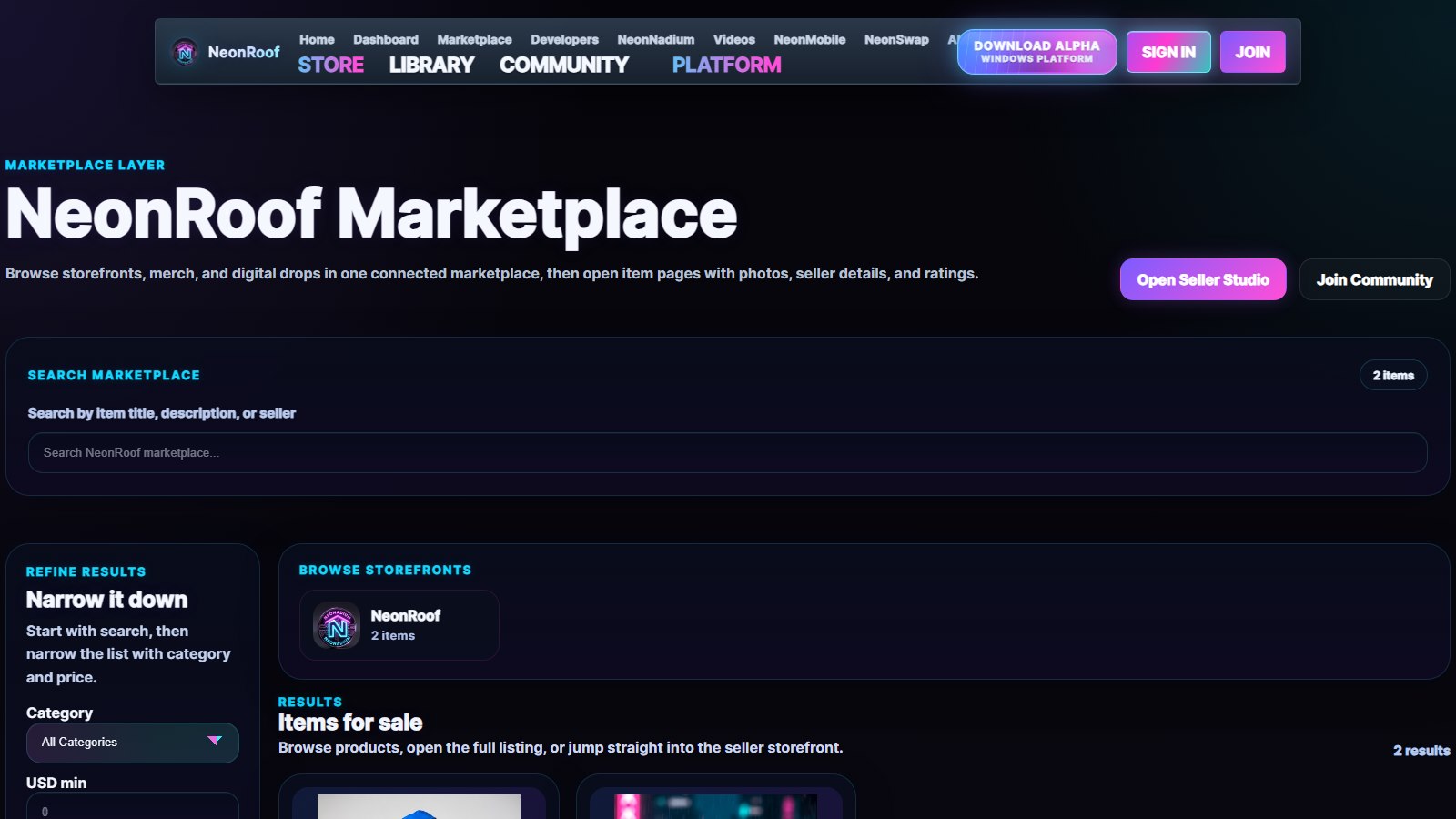
Marketplace
Connected marketplace for seller storefronts, merch listings, and digital products tied into platform checkout.
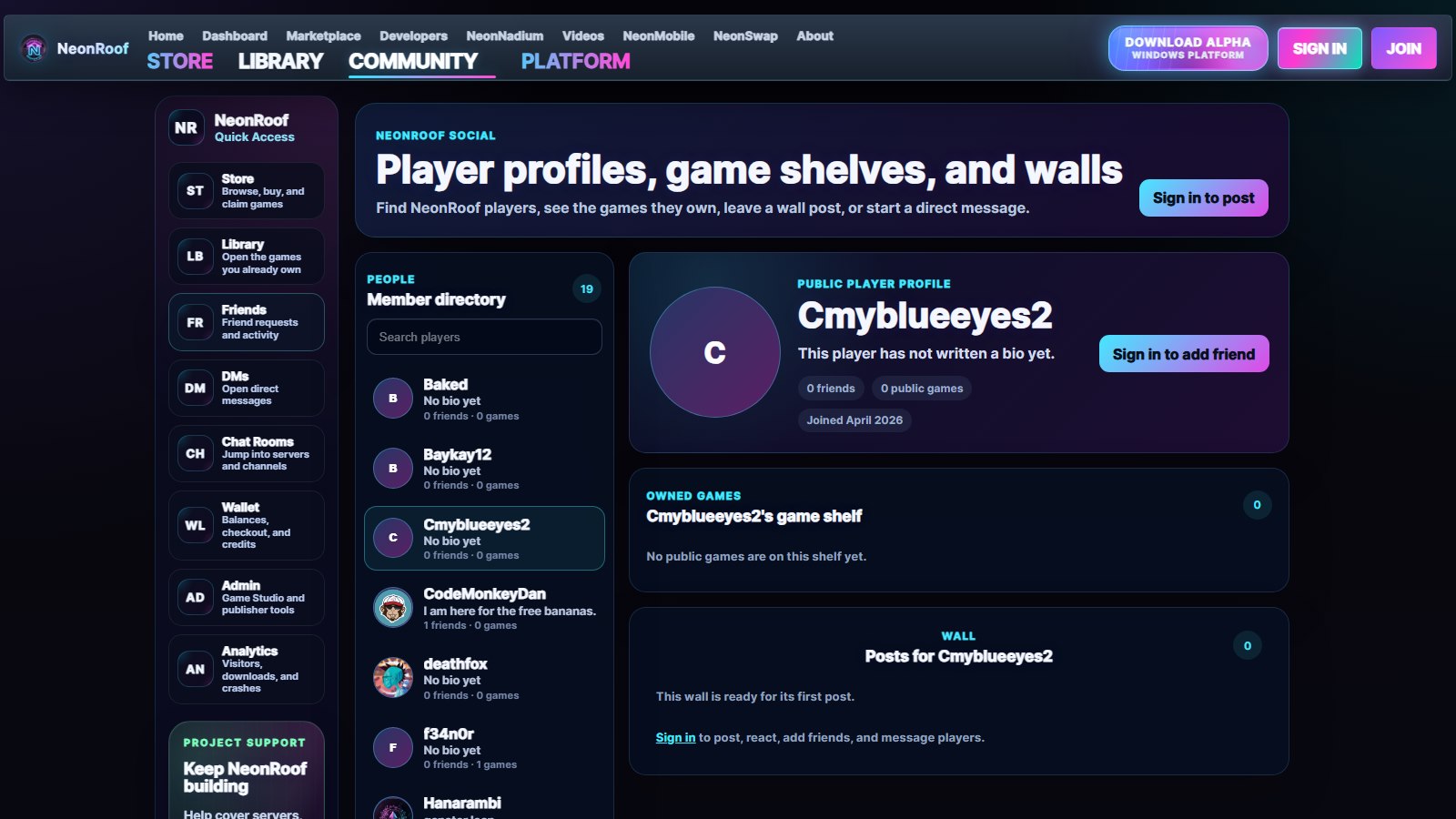
Profiles and Social
Community layer for player profiles, game shelves, wall posts, and shared platform identity.
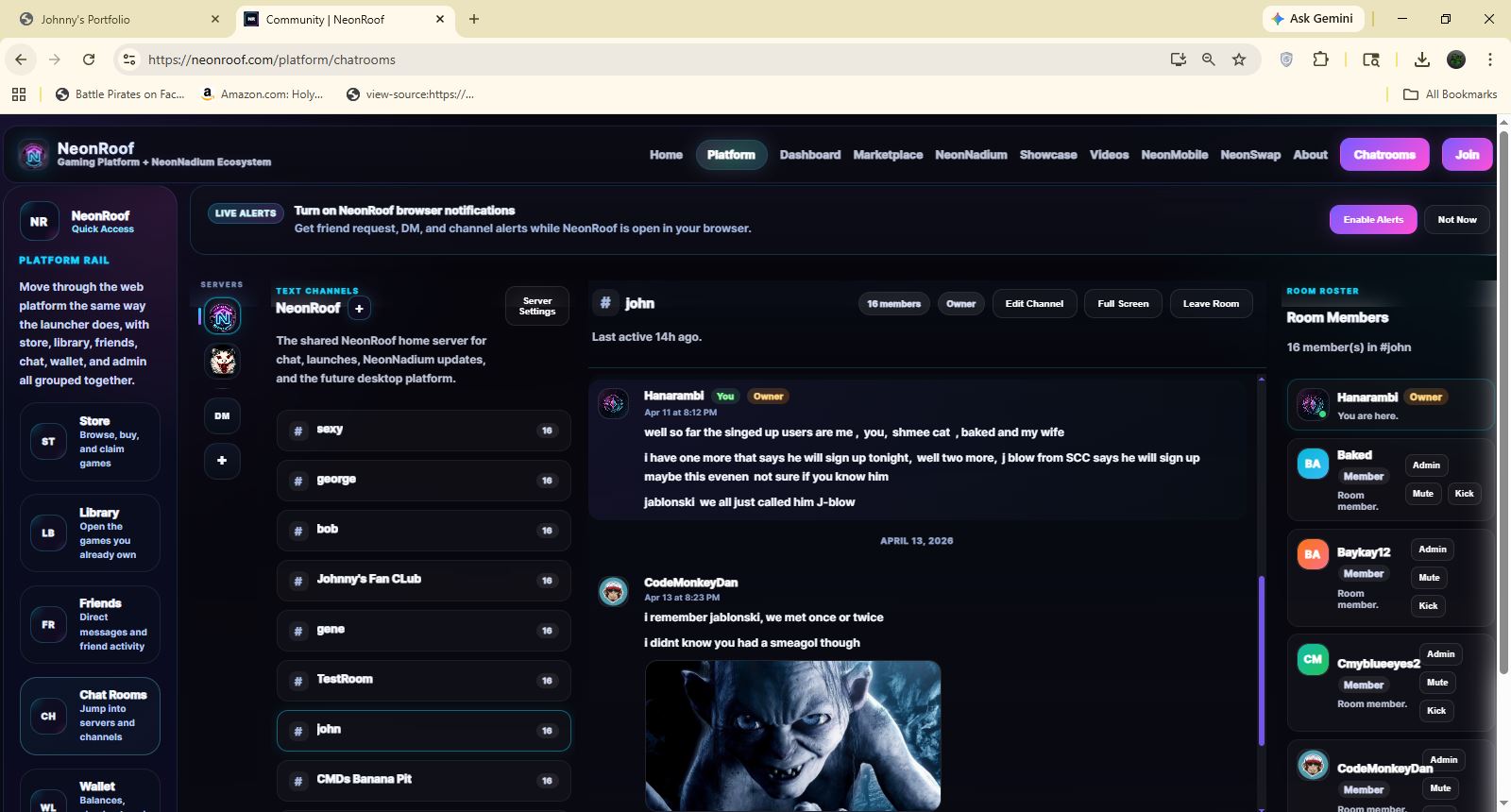
SignalR Chatrooms
Browser chatrooms view using the same SignalR realtime backbone that powers community messaging across NeonRoof.
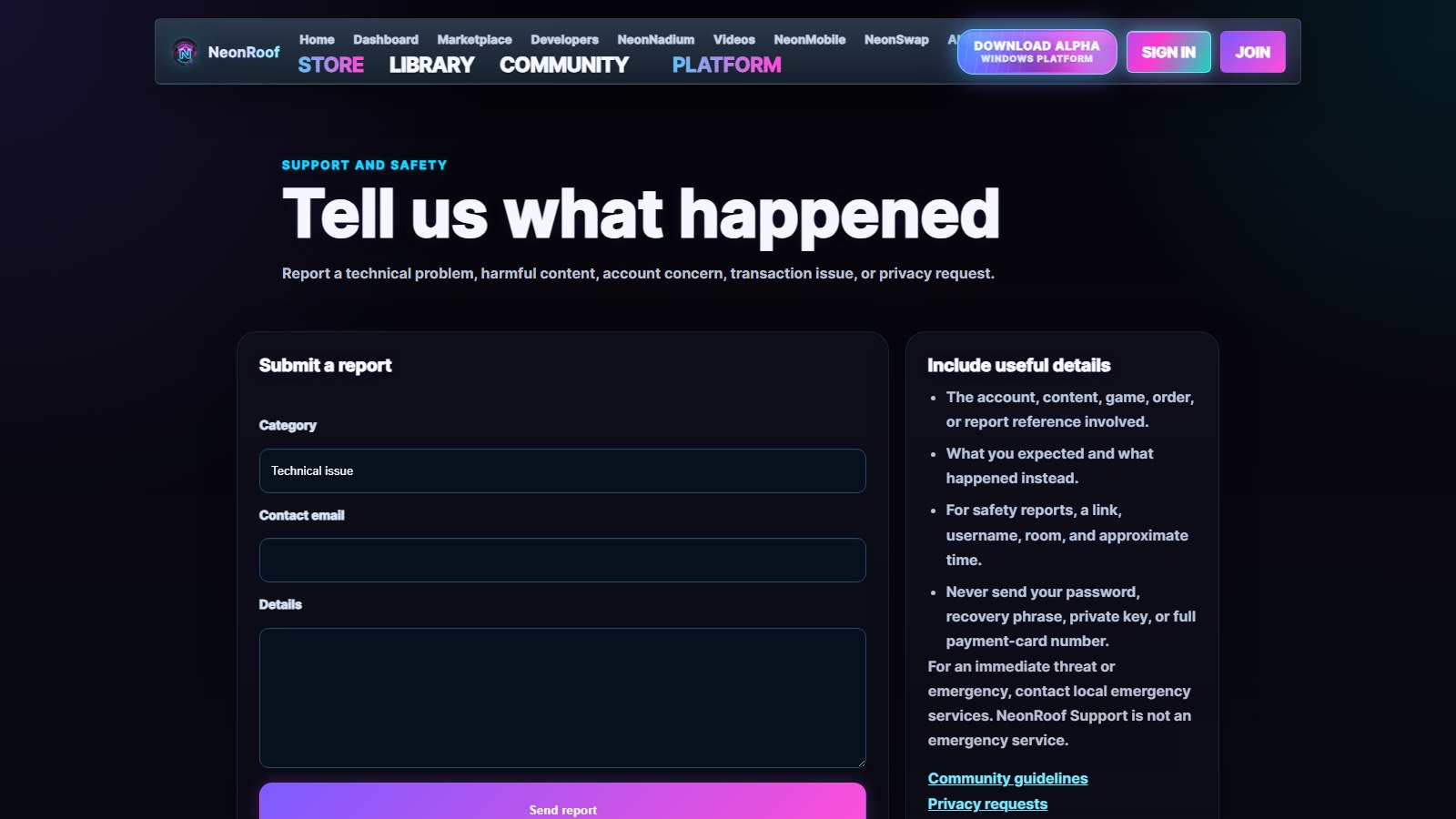
Support and Safety
Support reporting surface for trust, privacy, and platform issues inside the same web experience.
MyCapn
Blazor / ASP.NET Core / SQL Server / EF Core / Role-Based Learning Platform
MyCapn is a Blazor learning platform built around separate student, teacher, and admin experiences on the same system. The project brings together public marketing pages, role-based sign-in, student dashboards, class workspaces, assignments, auto-graded assessments, tutoring recommendations, social profiles and messaging, simulator labs, mobile-first routes, and administrative rostering tools. The gallery below walks through the main public pages and the major screens inside each workspace so the portfolio shows how the platform behaves from end to end rather than only from a single role.
Tech Stack
Page Showcase
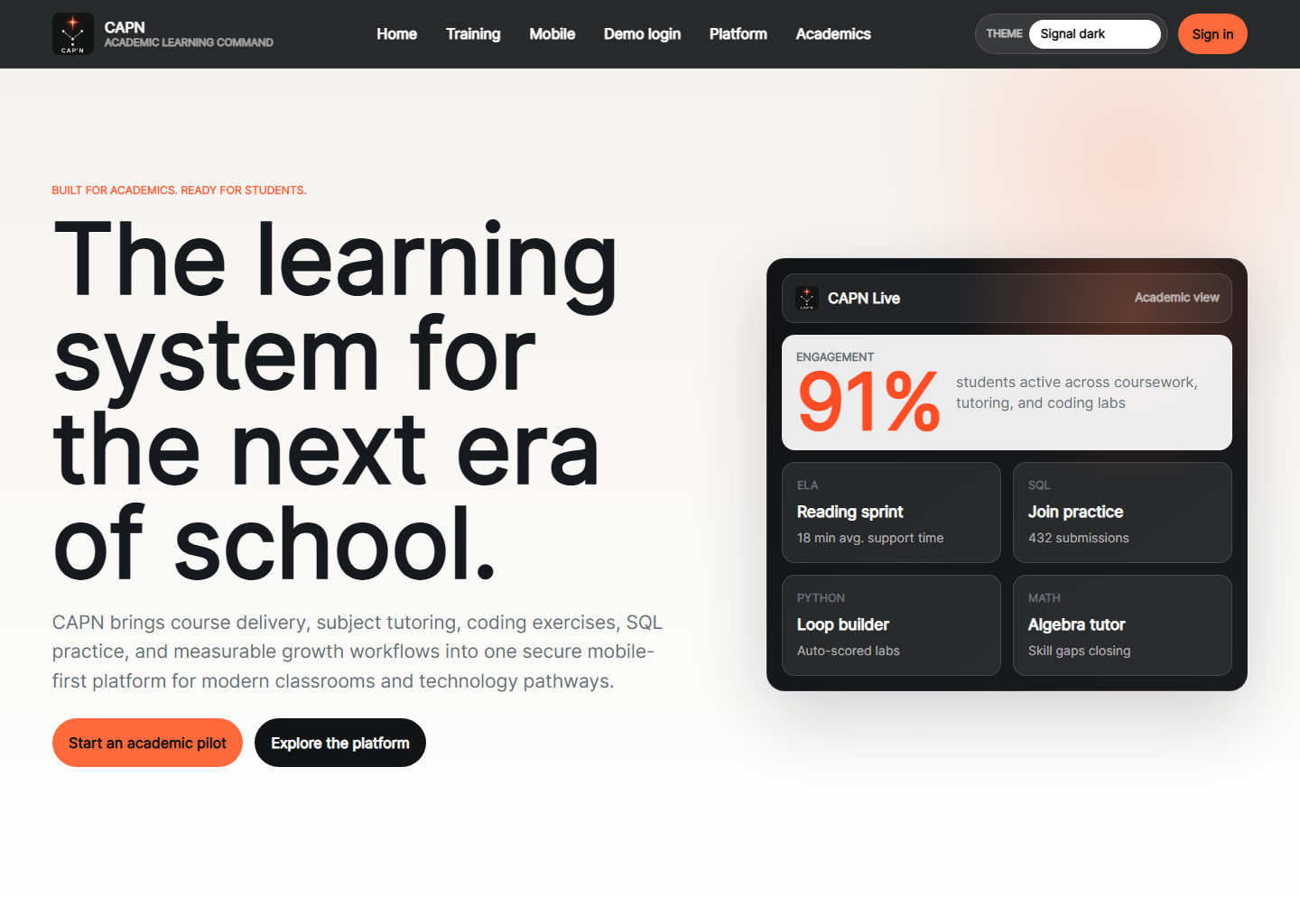
Home
Public landing page that frames CAPN as an academic platform for tutoring, course delivery, labs, and measurable learning progress.
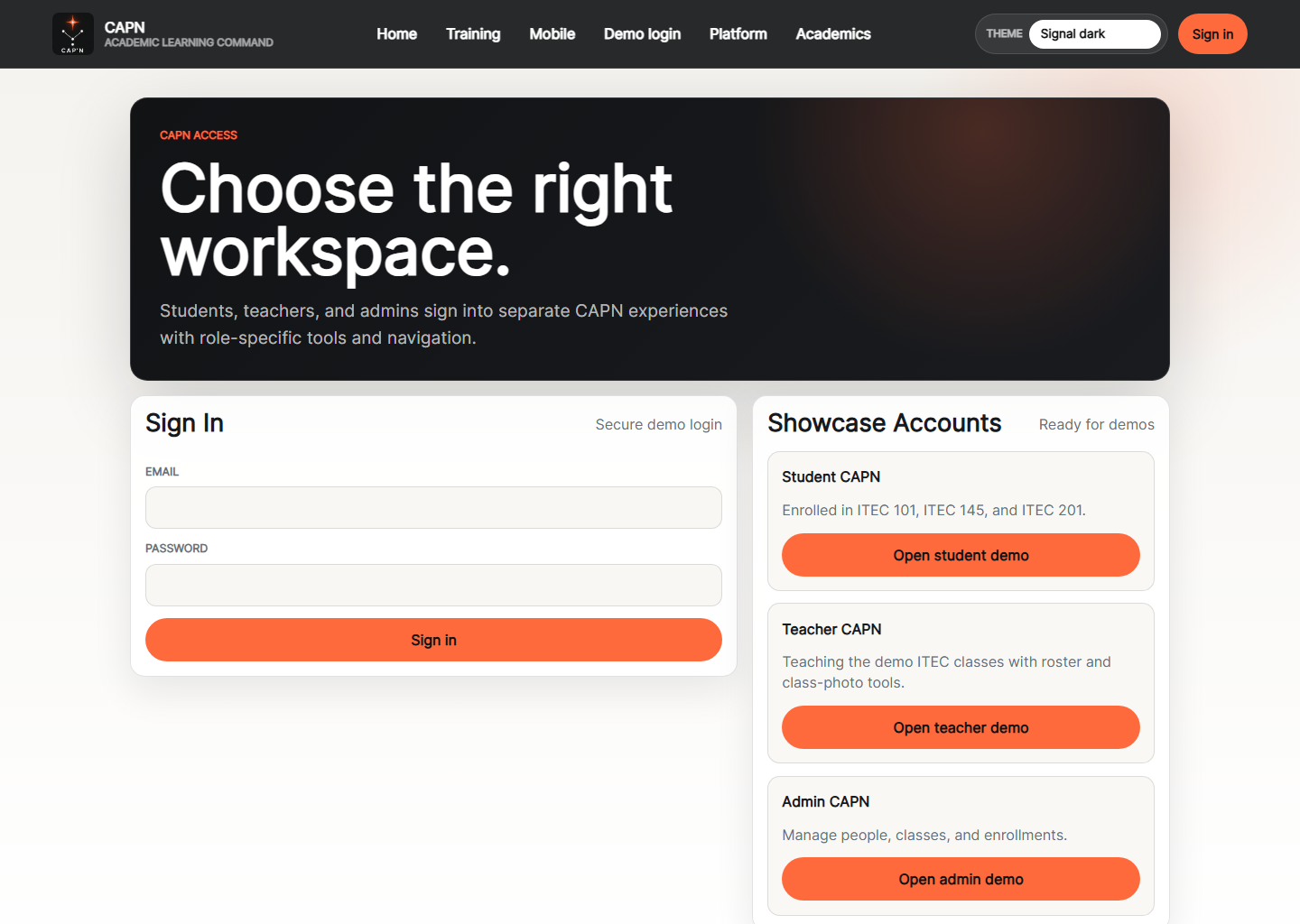
Login
Role-based sign-in screen with separate demo entry points for student, teacher, and admin workspaces.
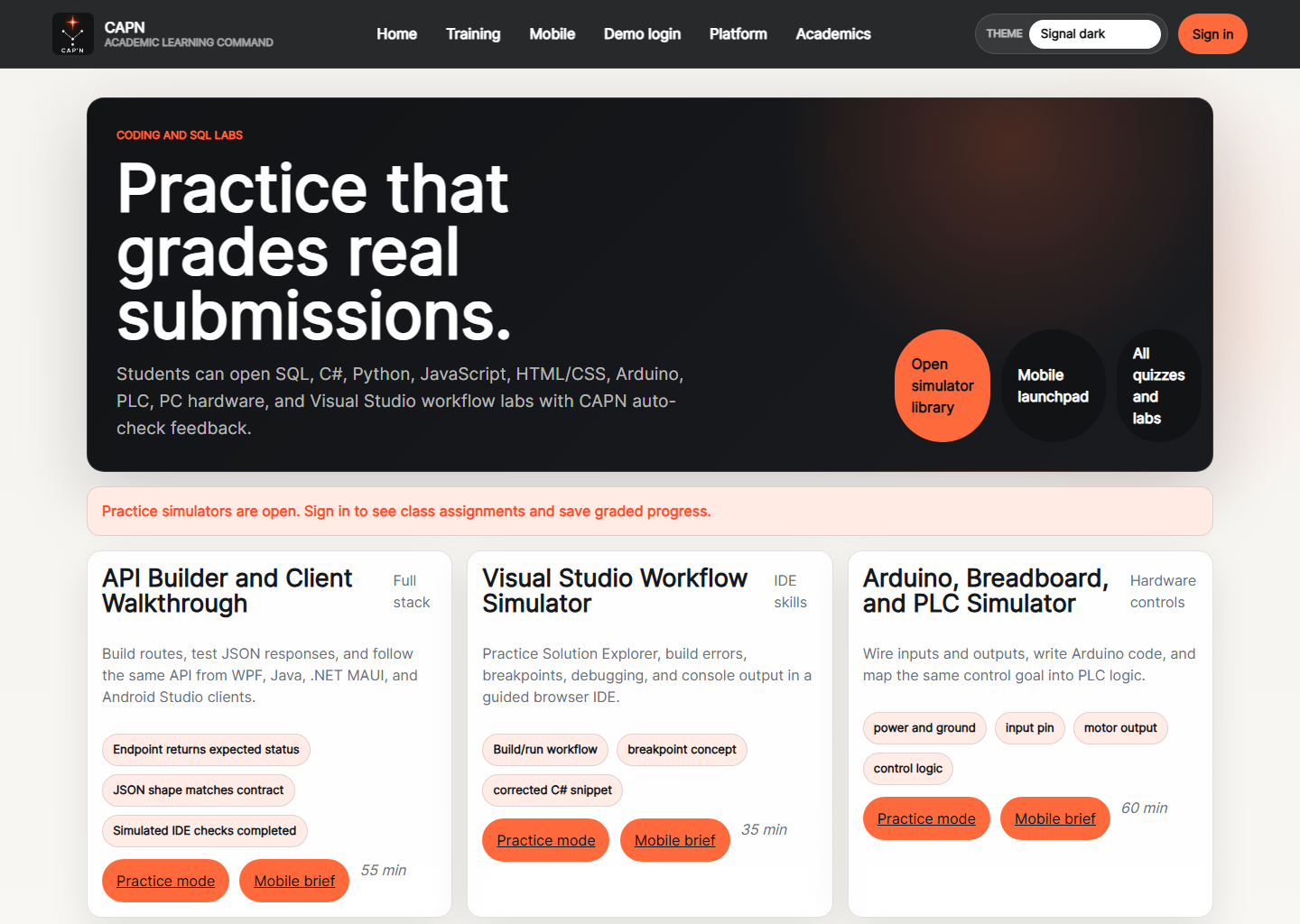
Labs
Hands-on lab hub for coding and SQL exercises with starter work, grading checks, and practice status.
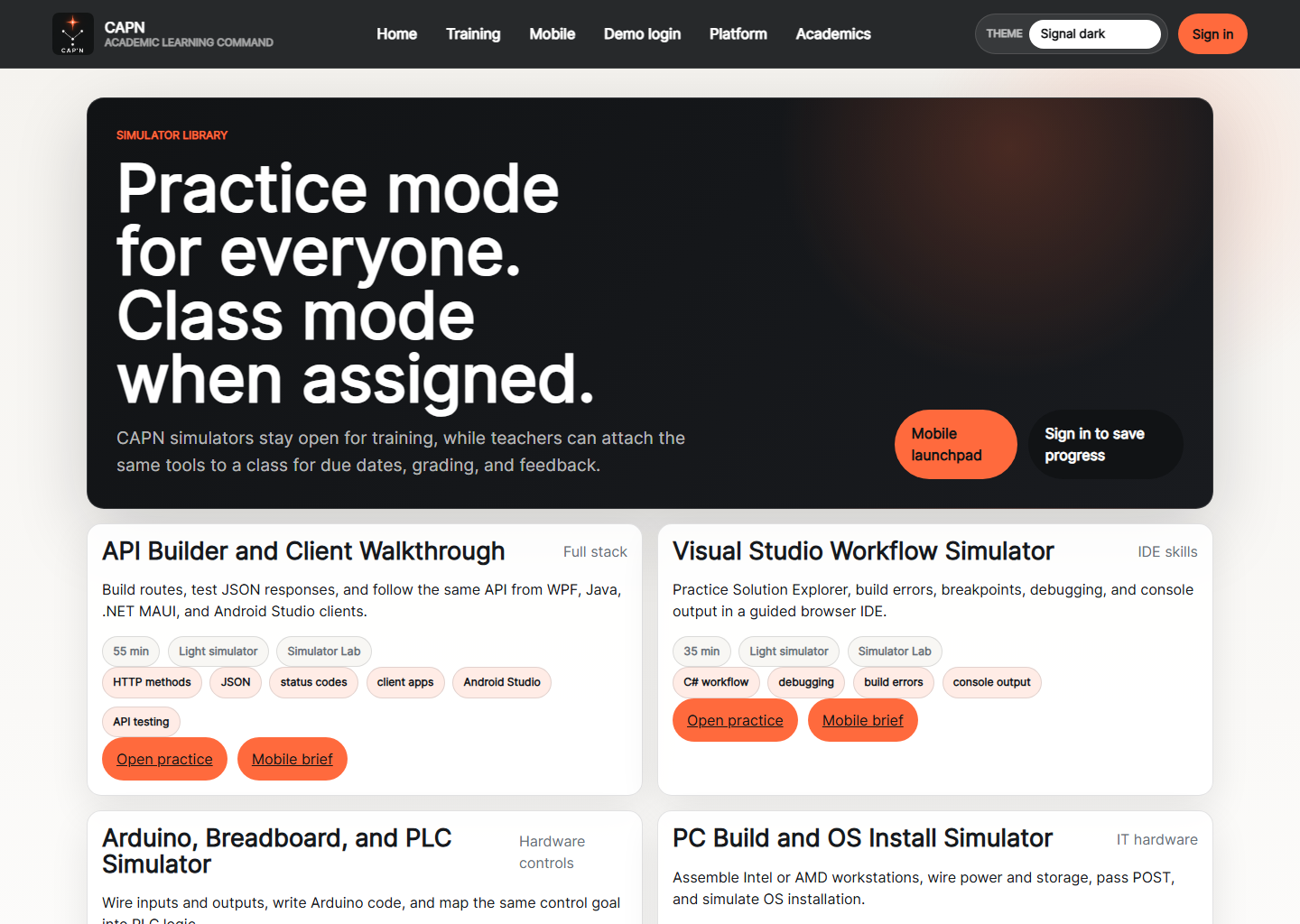
Simulator Library
Shared catalog for classroom simulators, showing which labs are light practice routes and which open the full experience.
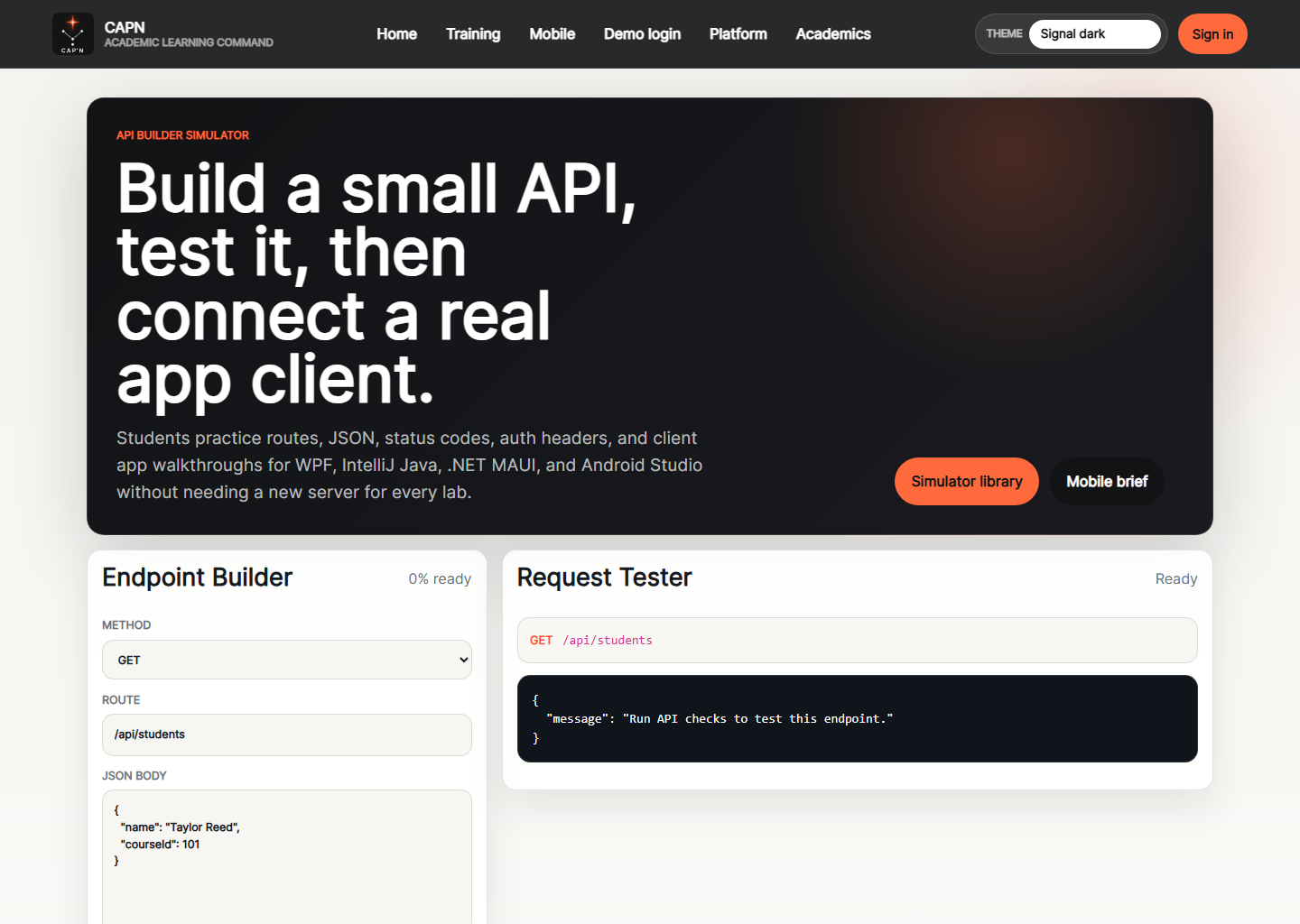
API Builder Simulator
Guided API training page focused on routes, JSON responses, and client-side integration practice.
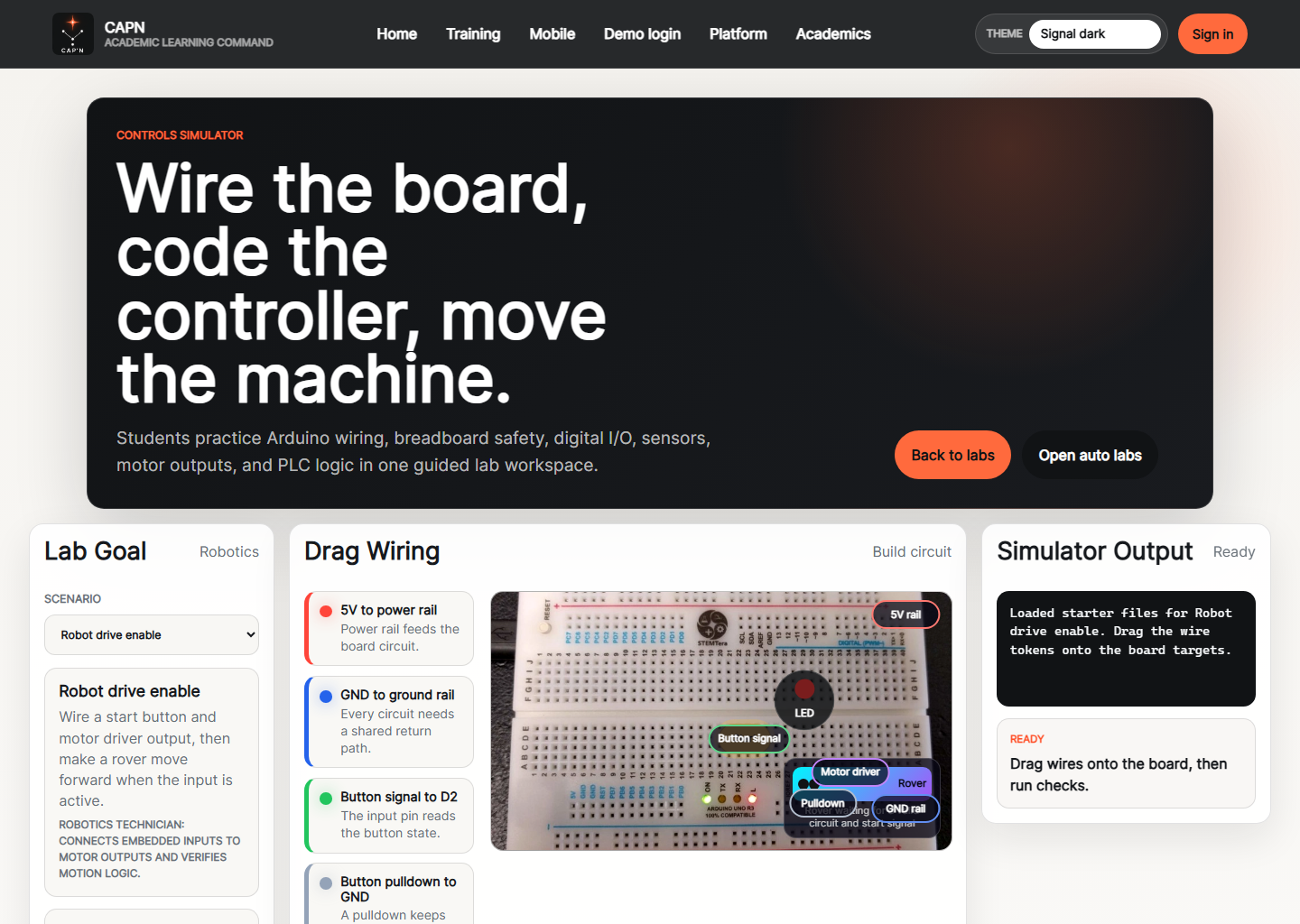
Arduino Simulator
Controls lab for breadboard wiring, Arduino code, and PLC logic around hardware workflows.
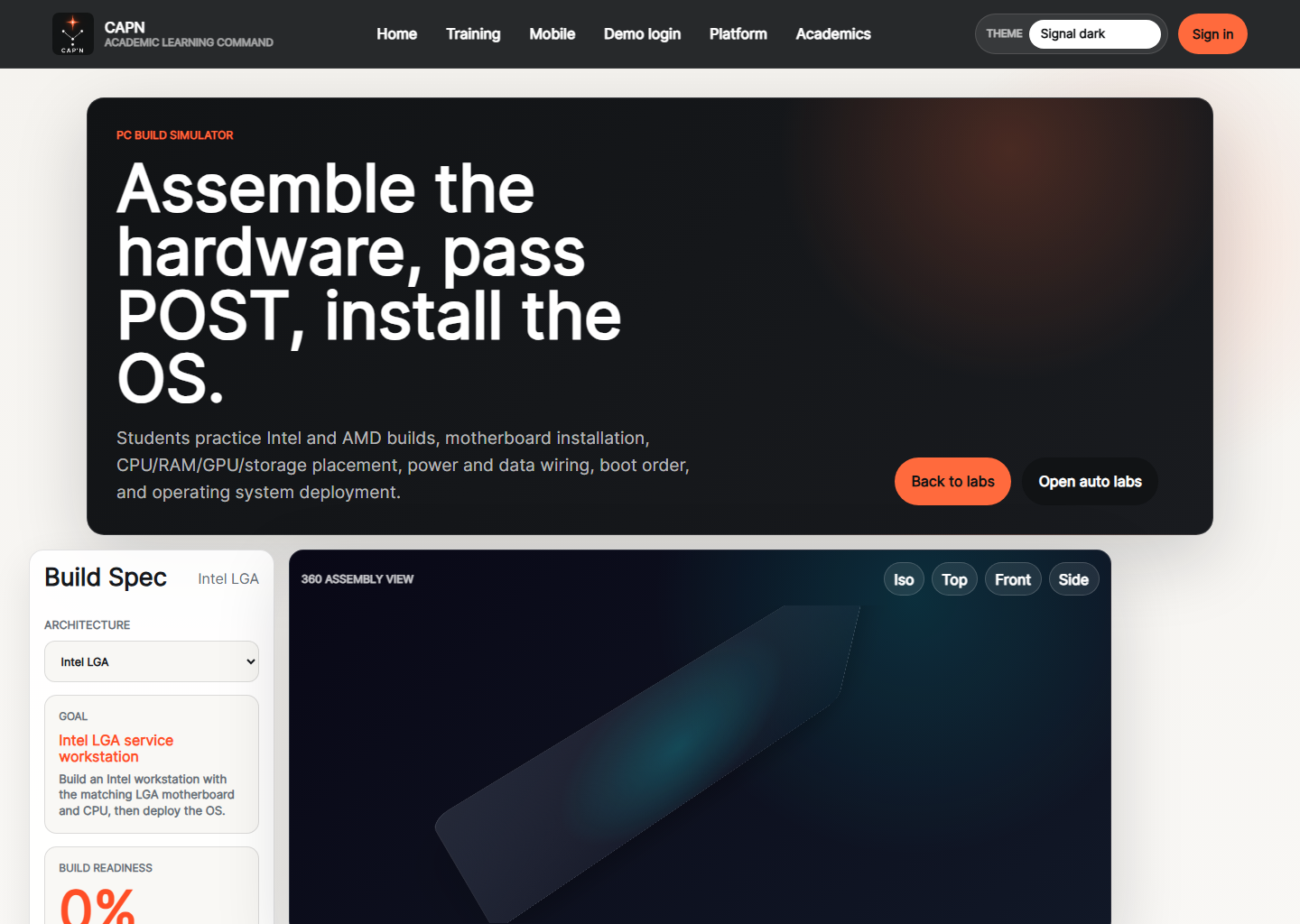
PC Build Simulator
IT hardware simulator for components, cabling, POST checks, and operating system installation steps.
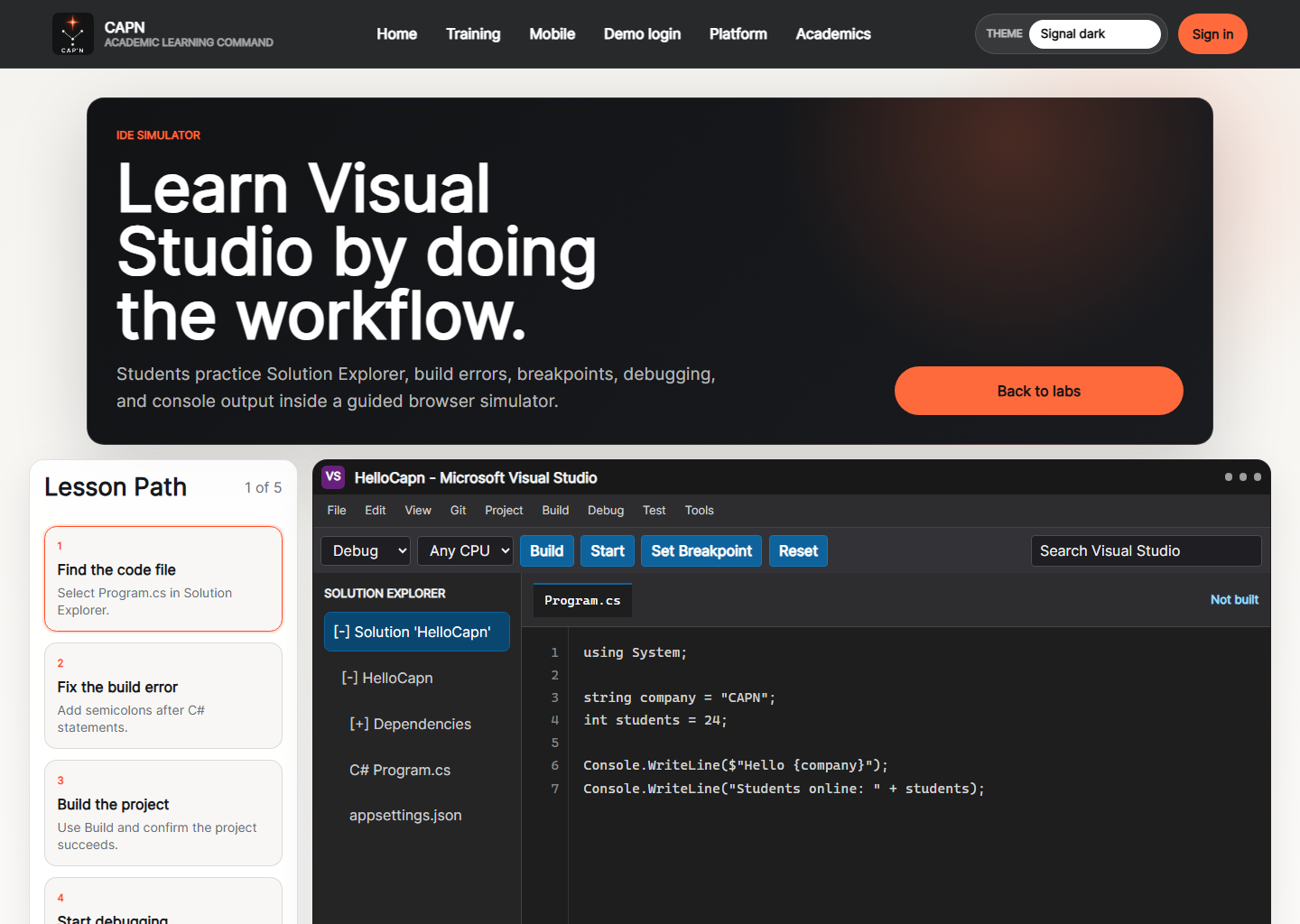
Visual Studio Simulator
IDE workflow simulator that teaches build, debug, and error-fixing patterns in a browser experience.
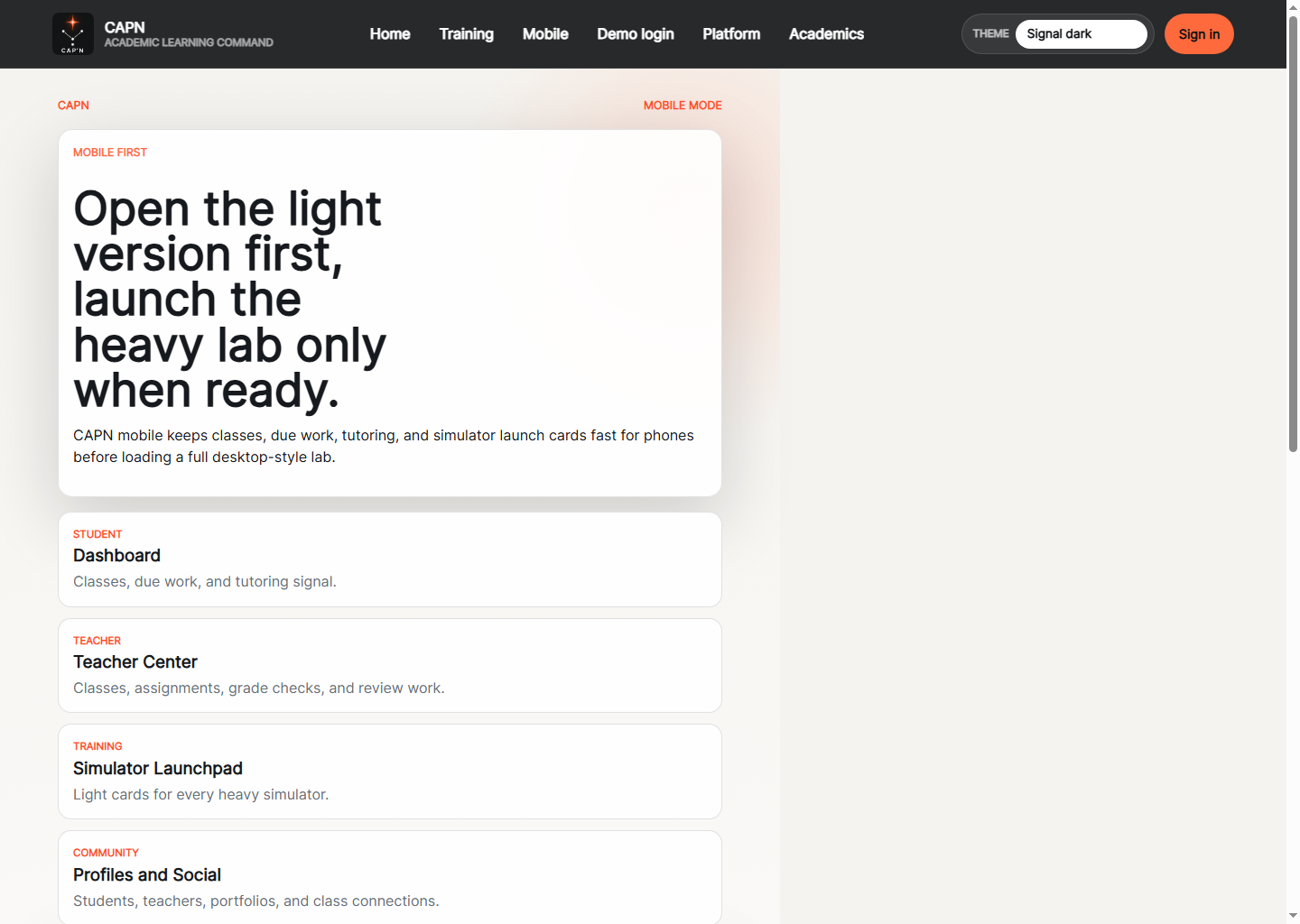
Mobile Home
Phone-first entry screen that routes students, teachers, community, and simulator traffic into lighter mobile flows.
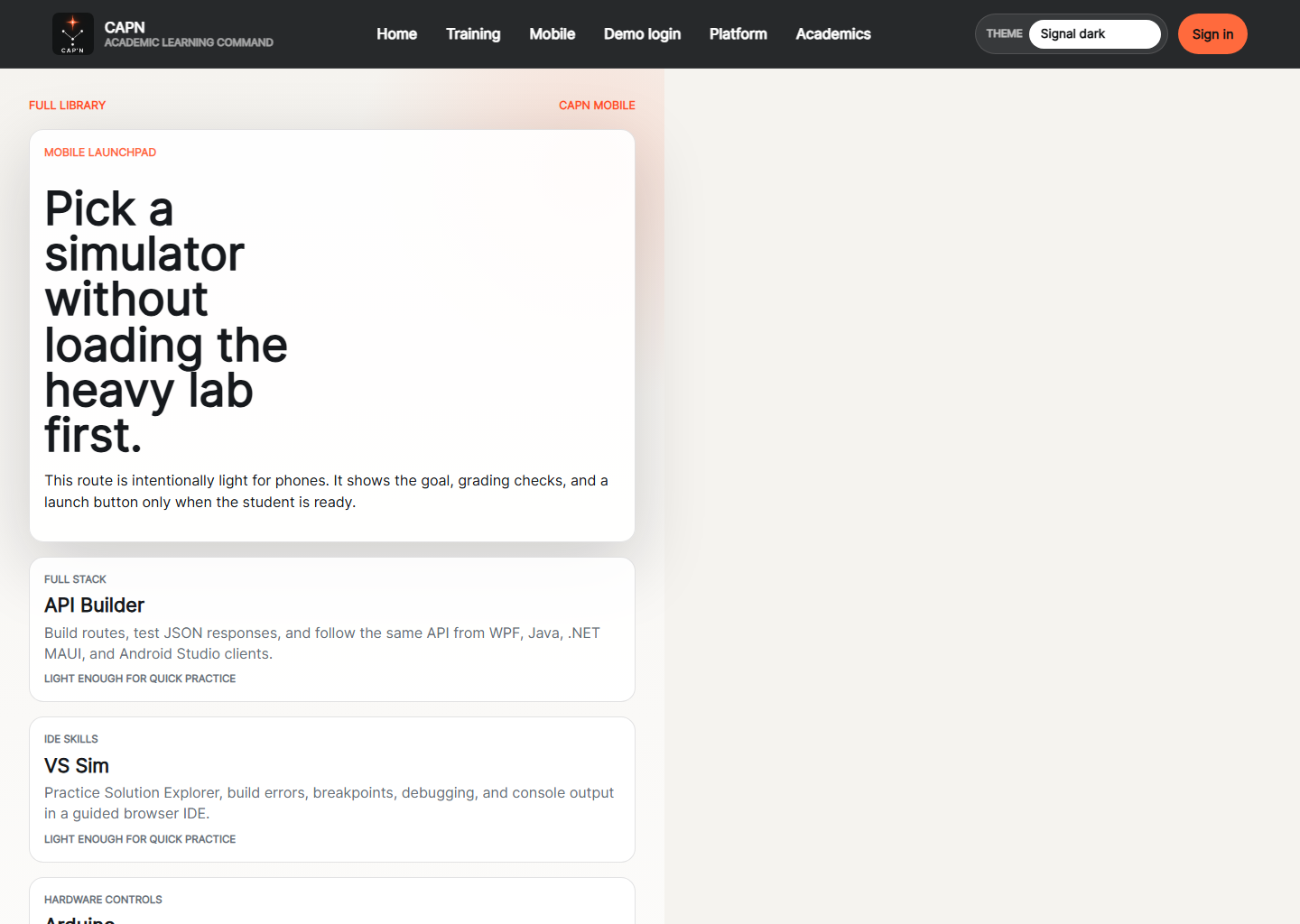
Mobile Simulator Library
Lightweight mobile launchpad that previews assignable simulators before the heavier desktop-style lab opens.
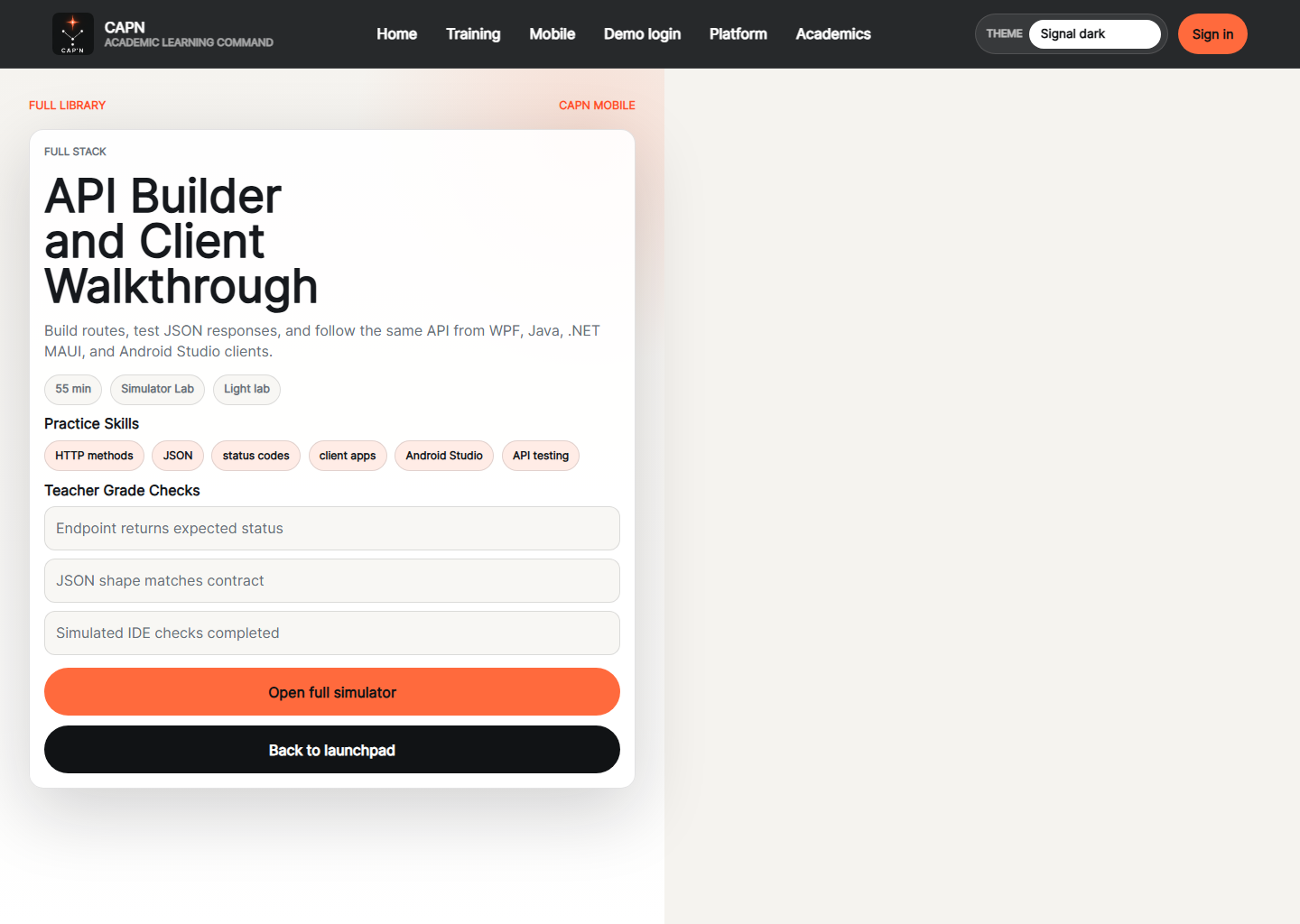
Mobile Simulator Detail
Compact mobile simulator detail page with practice skills, grading checks, and a direct handoff into the full lab.
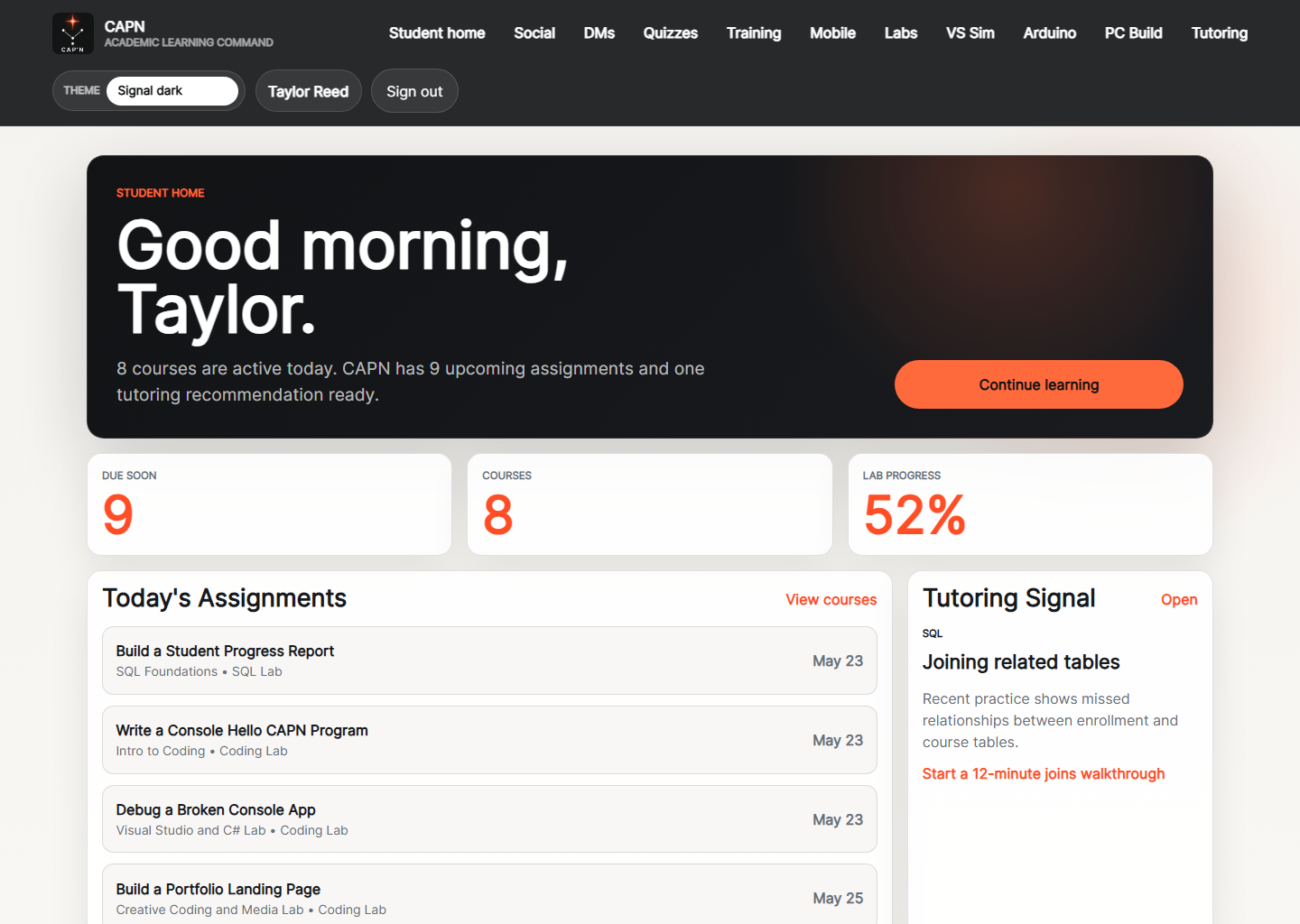
Student Dashboard
Student landing page with due work, course count, tutoring signal, and quick navigation into current classes.
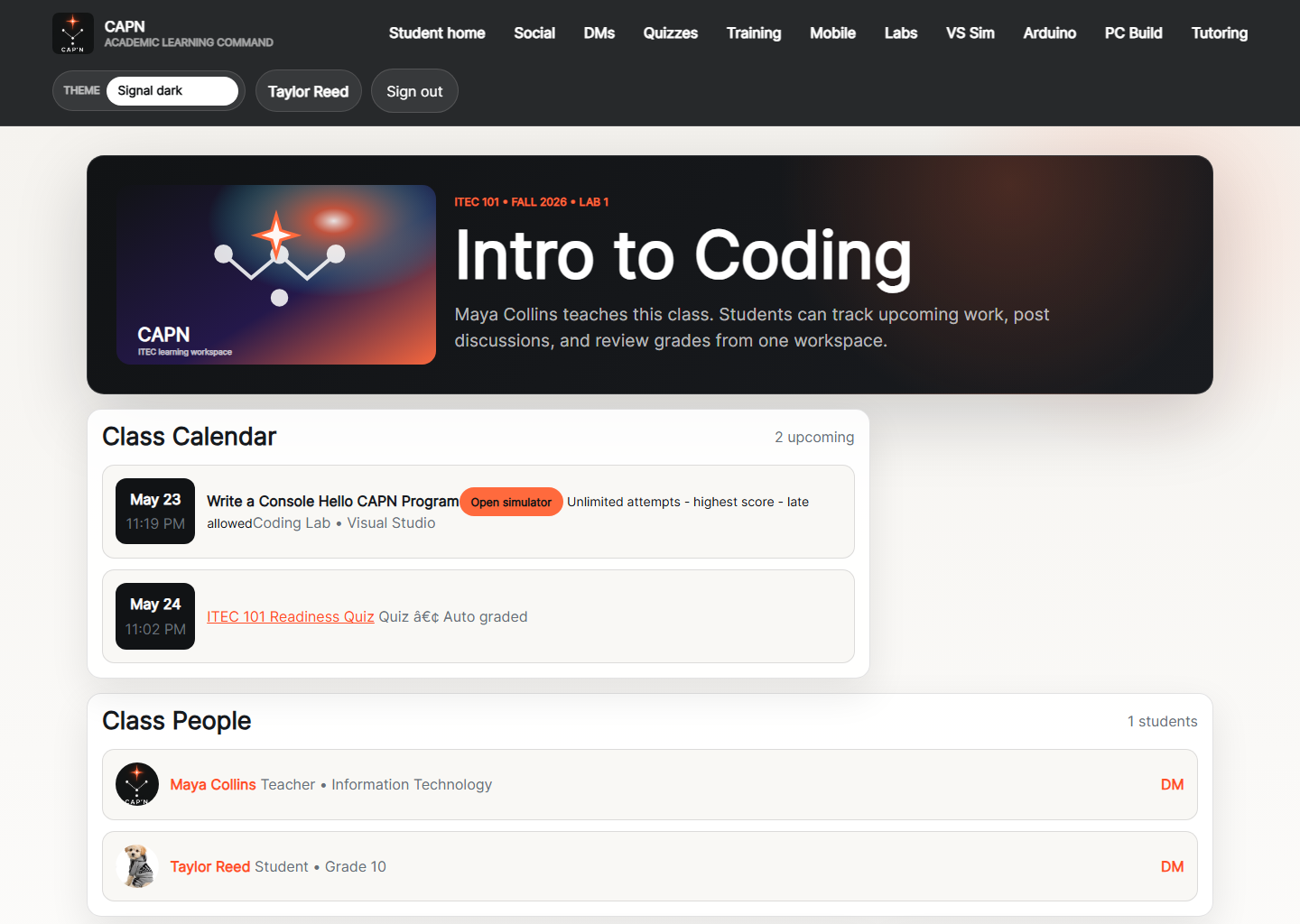
Student Class Workspace
Student view of the active class workspace with discussions, assignments, assessments, and class context in one page.
Course Overview
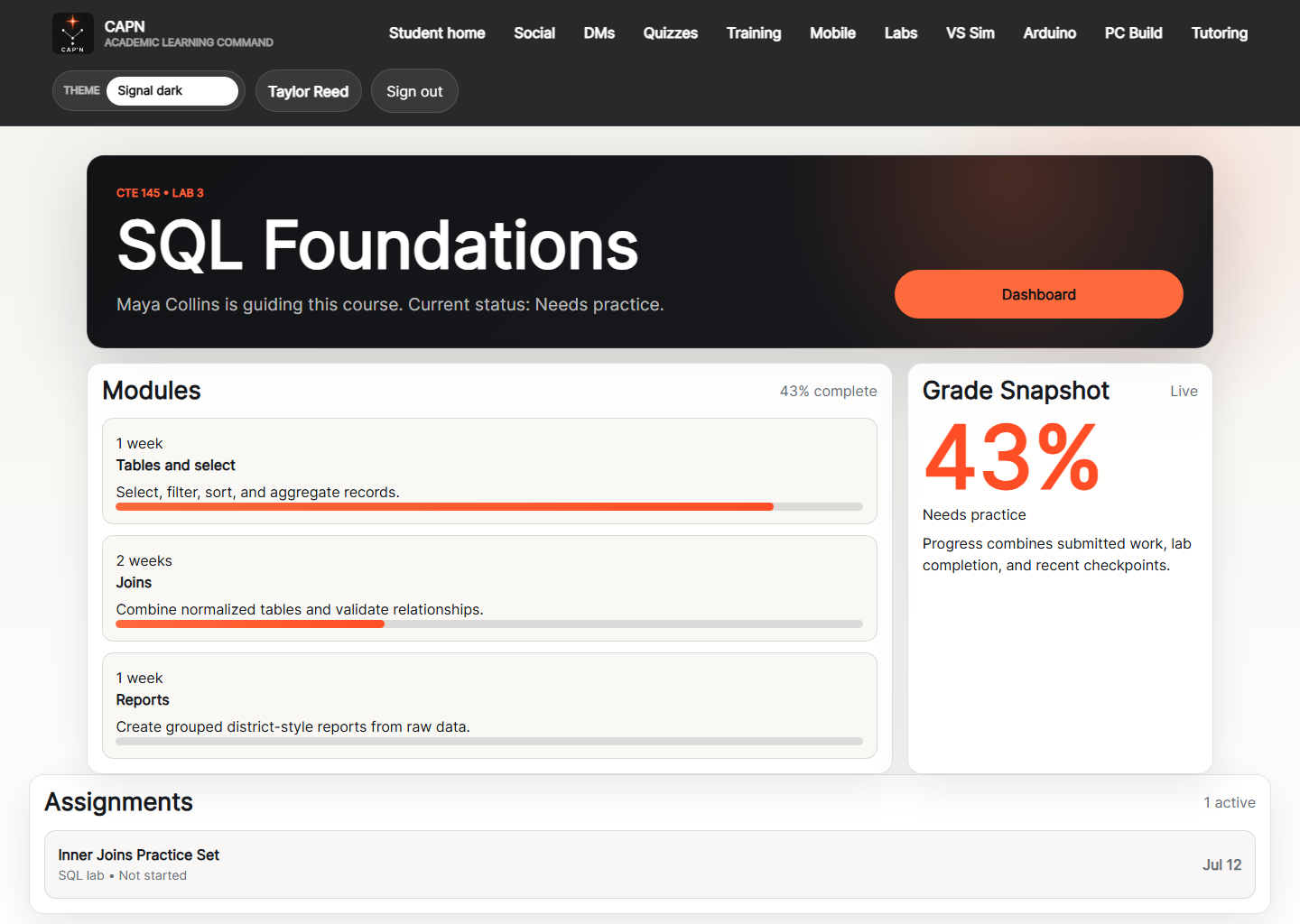
Course overview page showing modules, progress, grade snapshot, and current assignments for a single class.
Assignment Detail
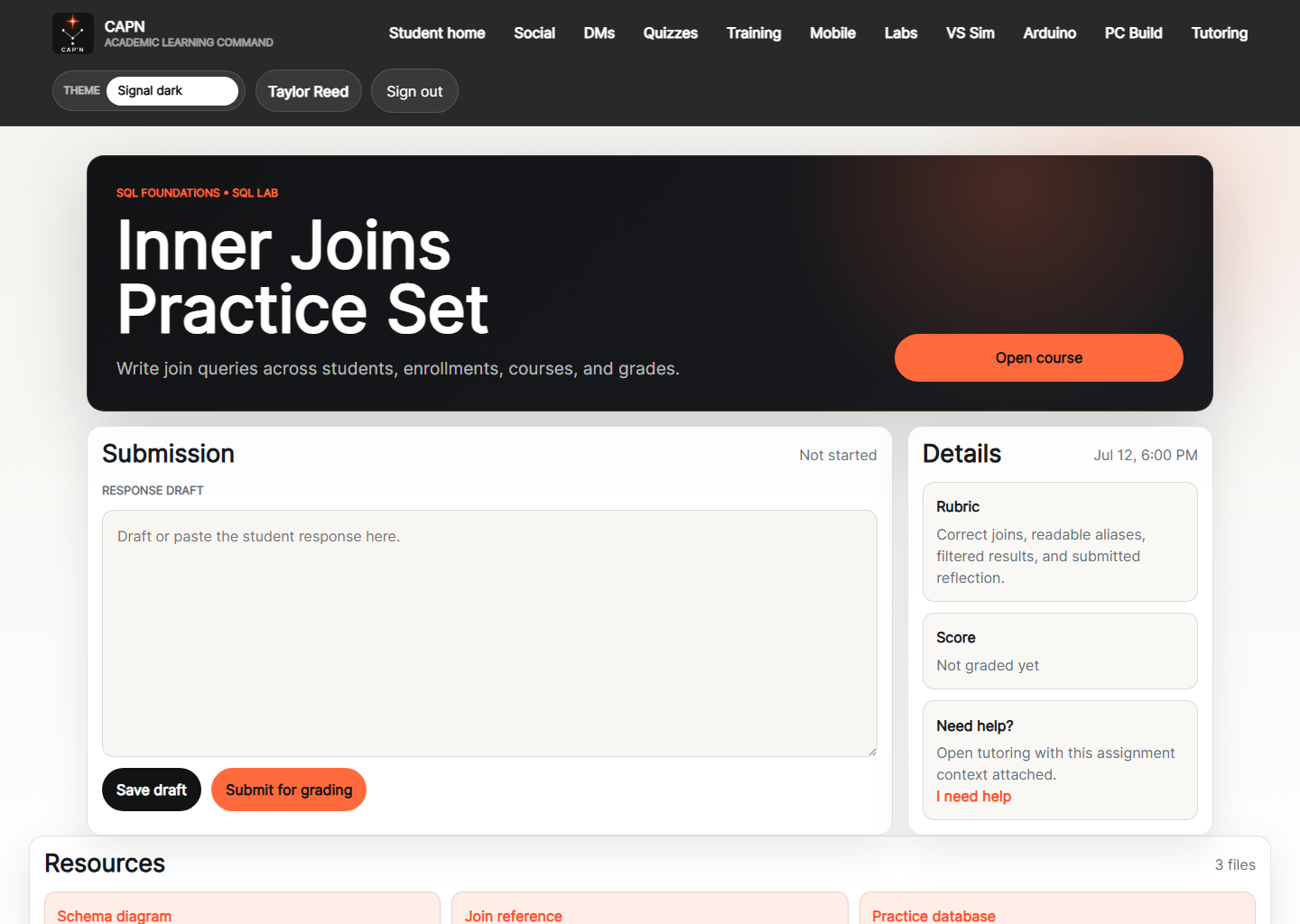
Assignment screen with submission drafting, rubric details, score state, resources, and tutoring handoff.
Assessment List
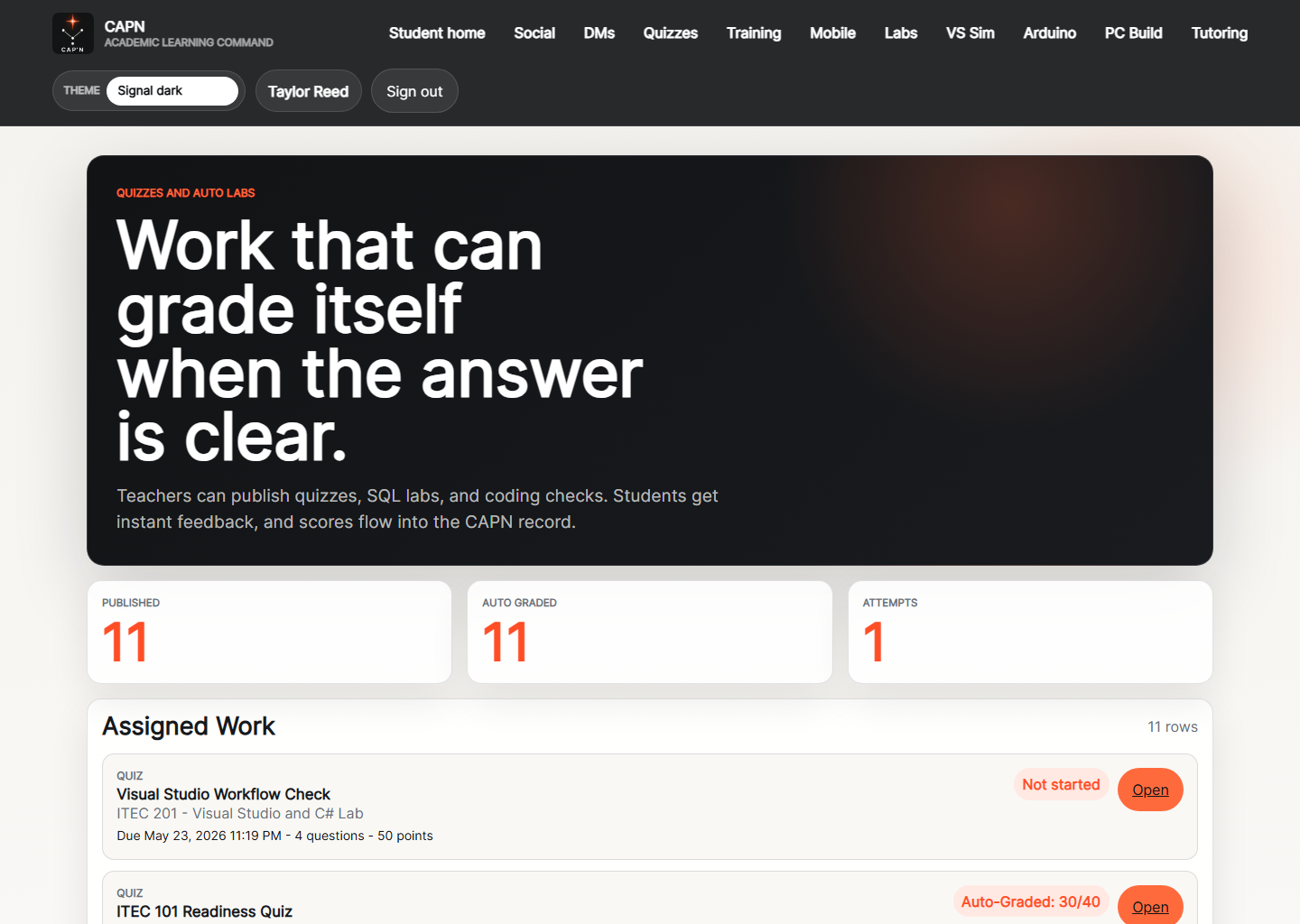
Assessment list for quizzes, SQL labs, and coding checks that can be opened and graded through the platform.
Assessment Detail
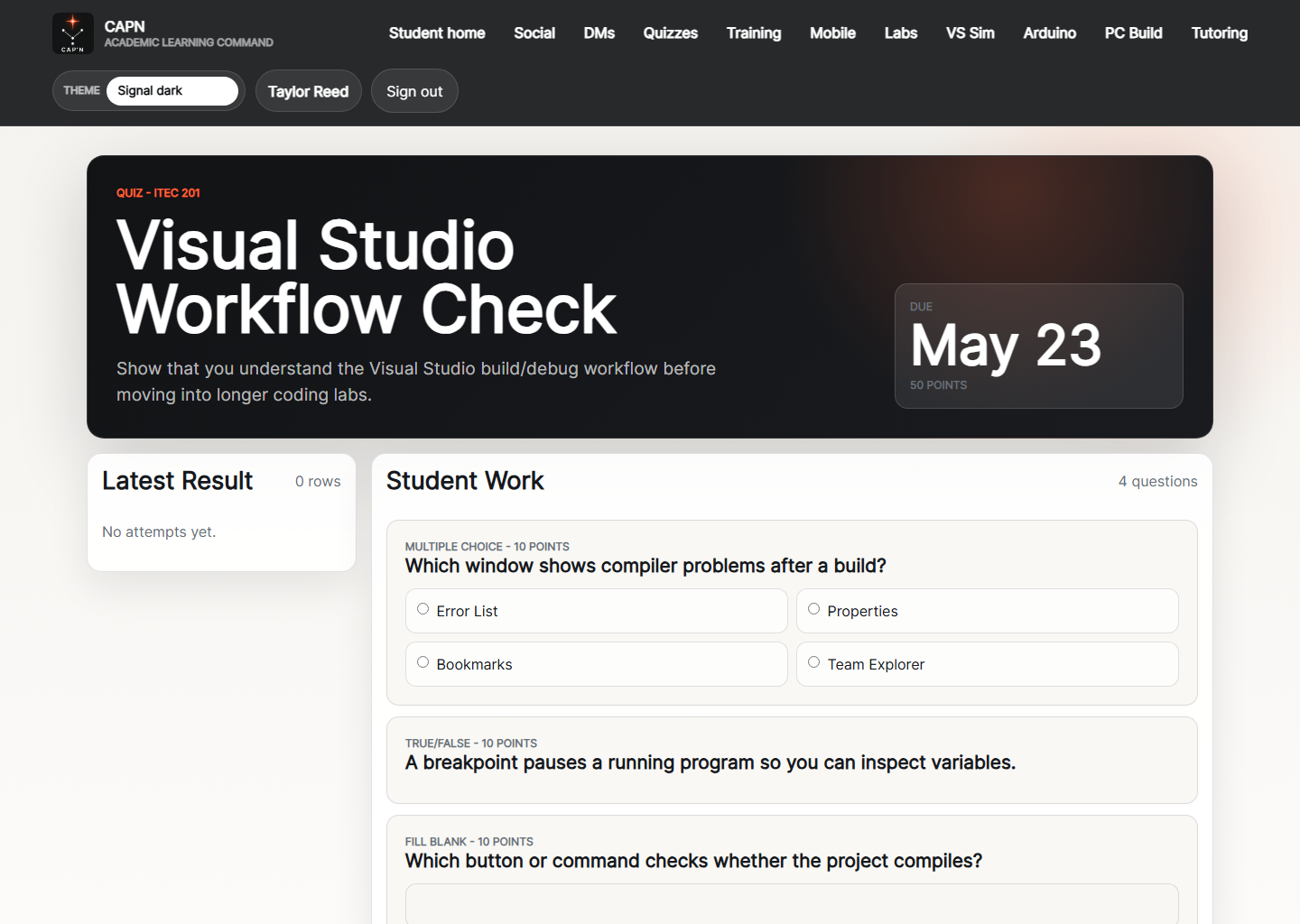
Specific assessment page for taking a quiz or auto-graded lab inside the course flow.
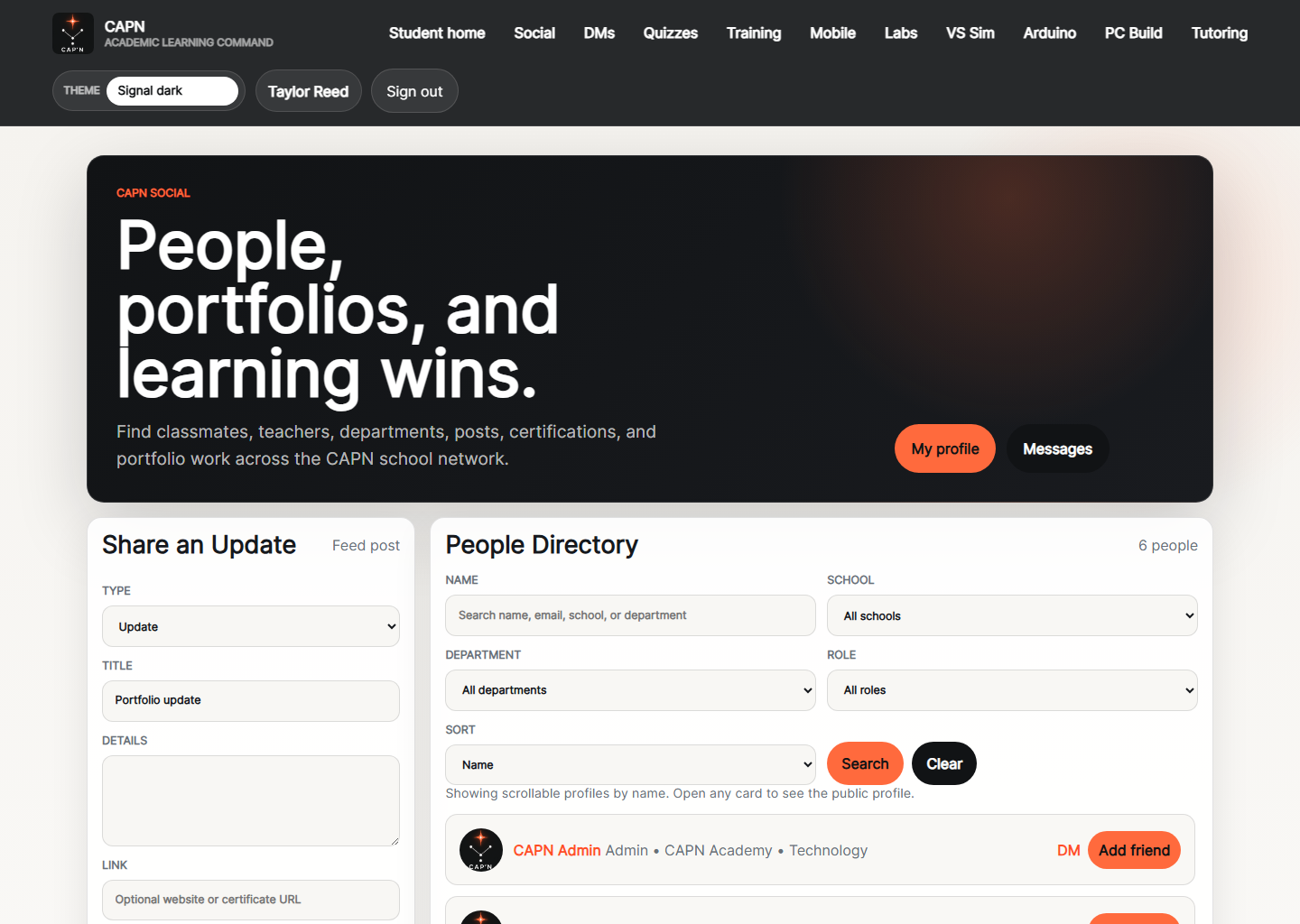
Social Directory
Community directory for people, social posts, and portfolio-style learning updates across the platform.
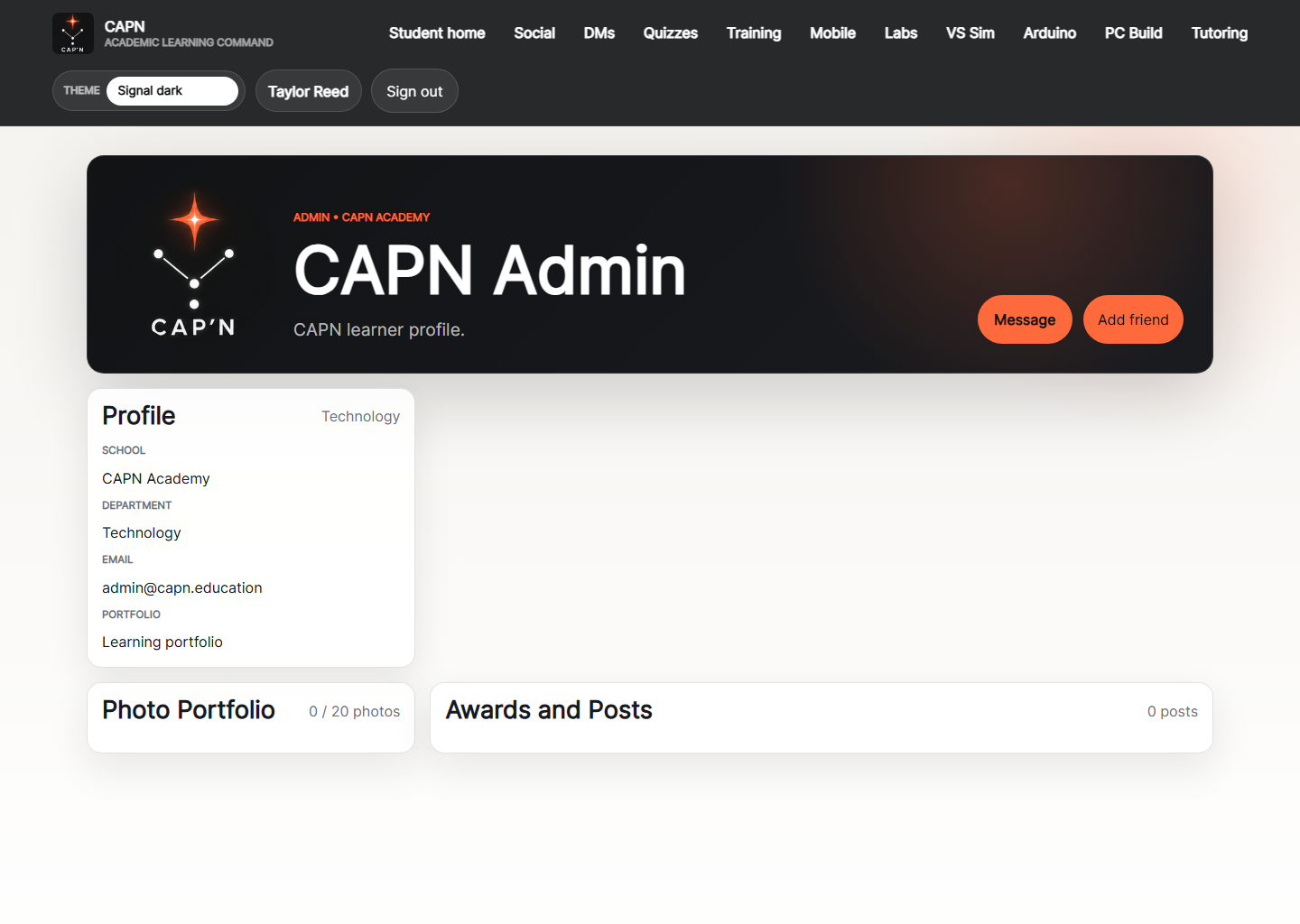
Profile Detail
Public profile view for another CAPN user, showing role, identity, and visible social activity.
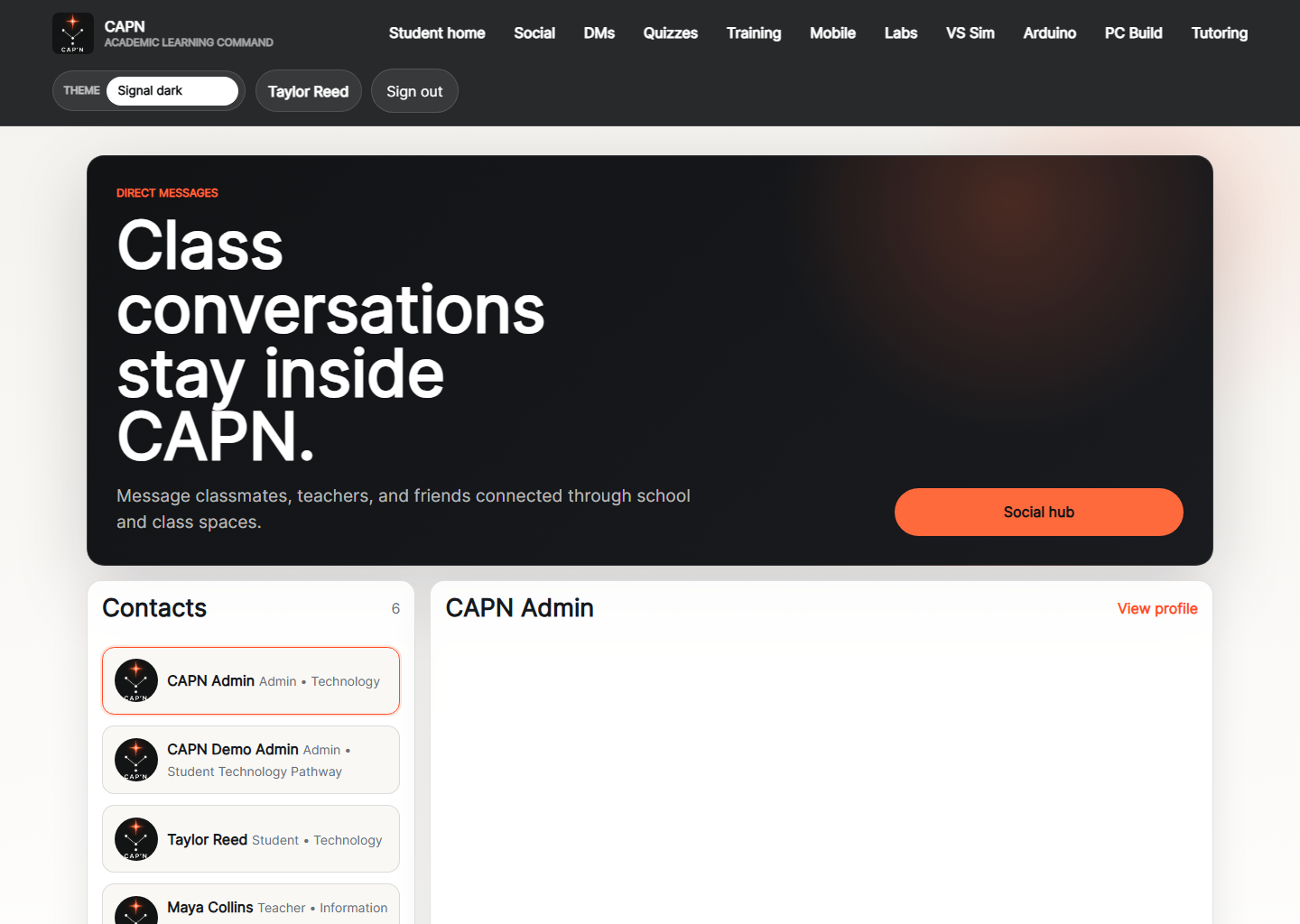
Social Messages
Built-in direct messaging view that keeps school conversations inside the CAPN experience.
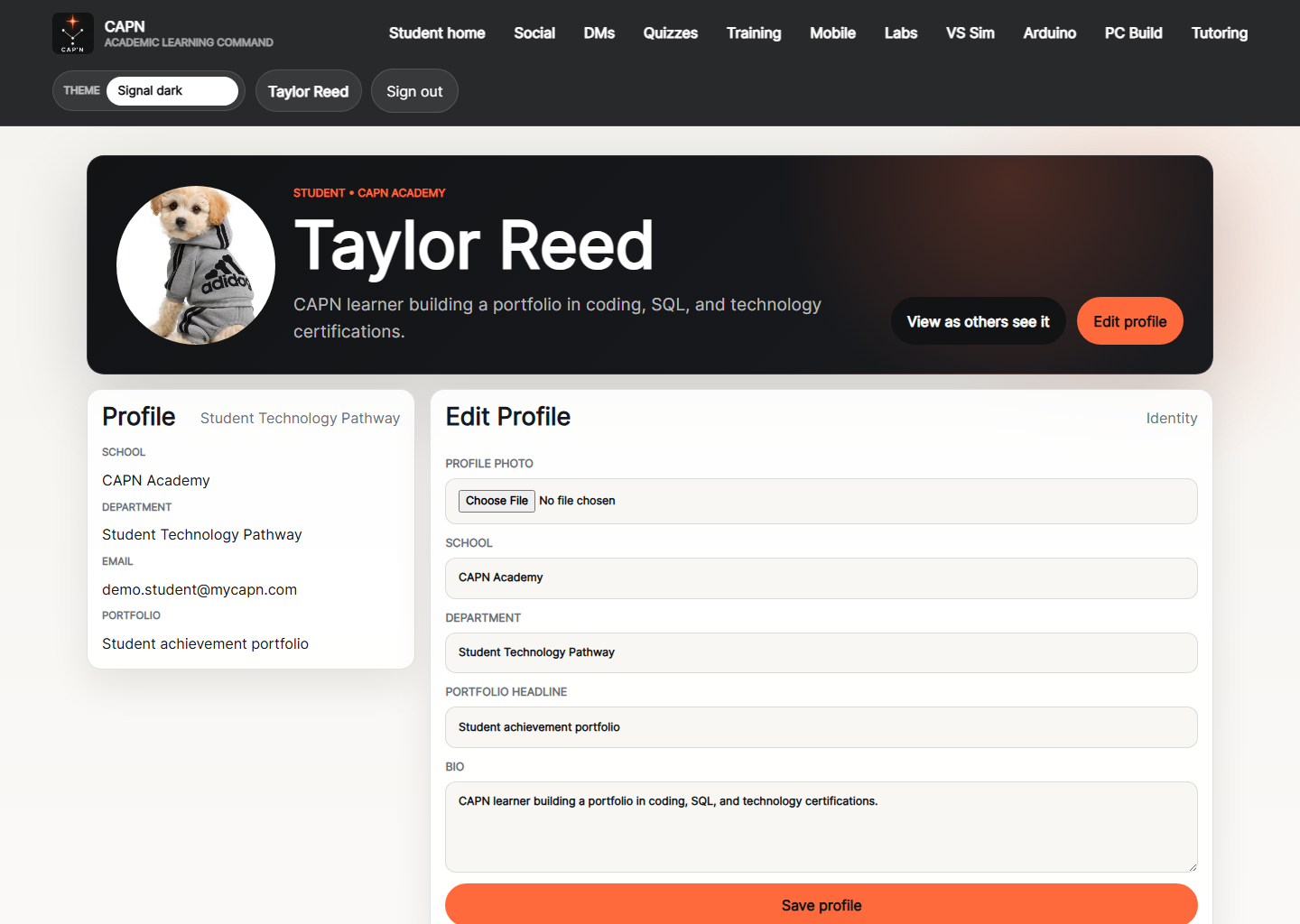
My Profile
Student-owned profile page for personal posts, platform identity, and shared learning wins.
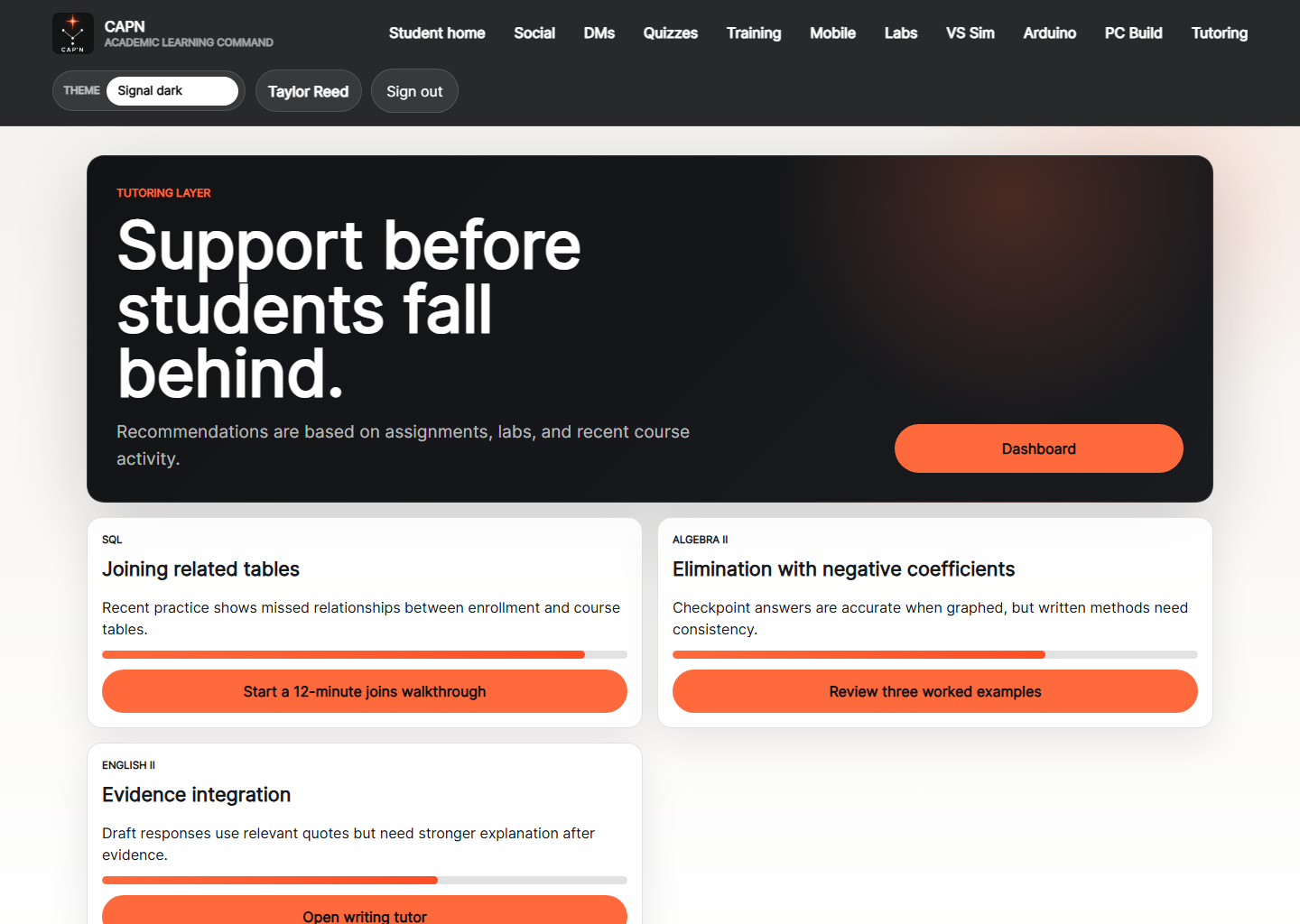
Tutoring
Recommendation-driven tutoring page that surfaces targeted academic help based on recent course activity.
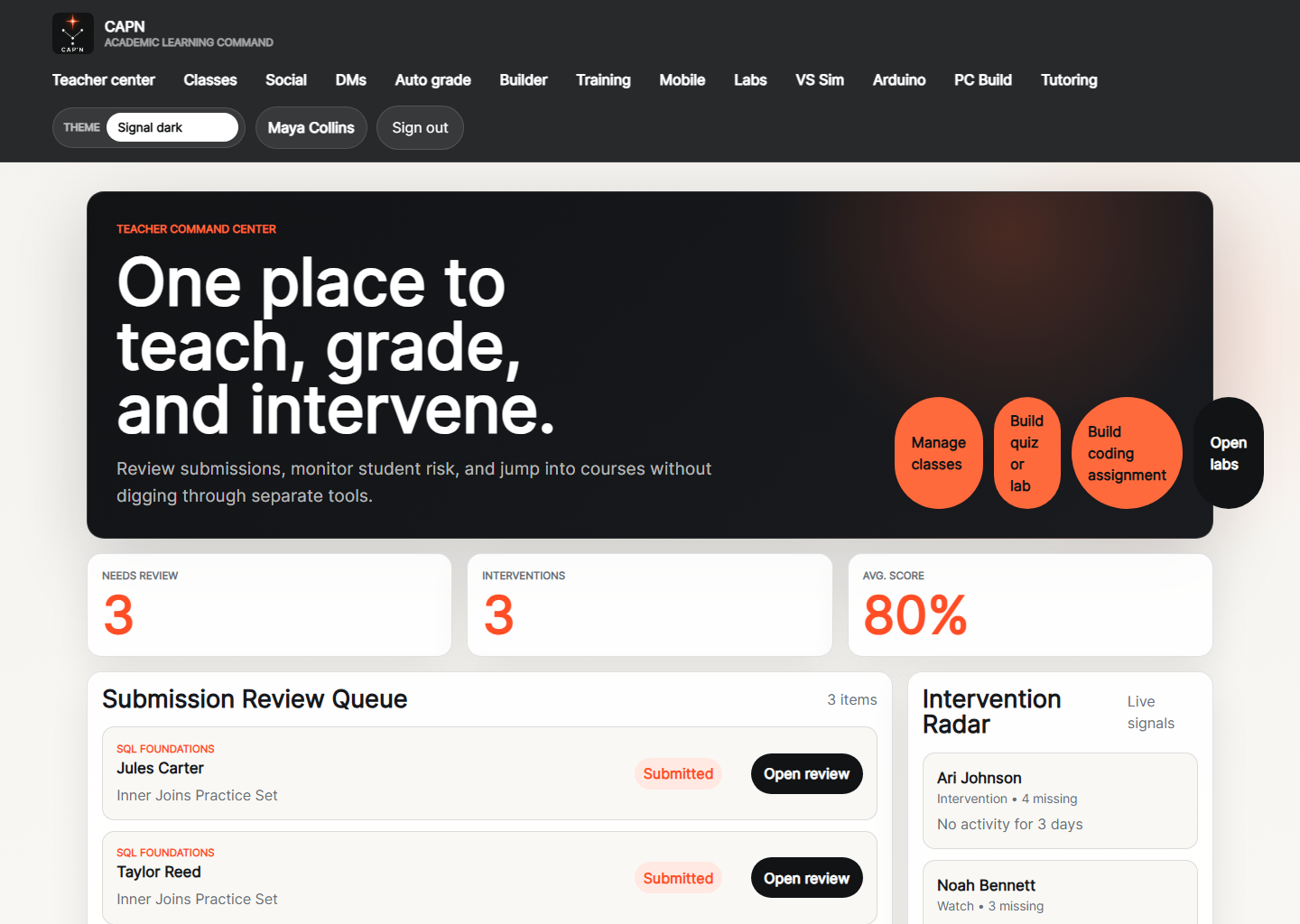
Teacher Center
Teacher command center for class health, review work, interventions, and daily teaching priorities.
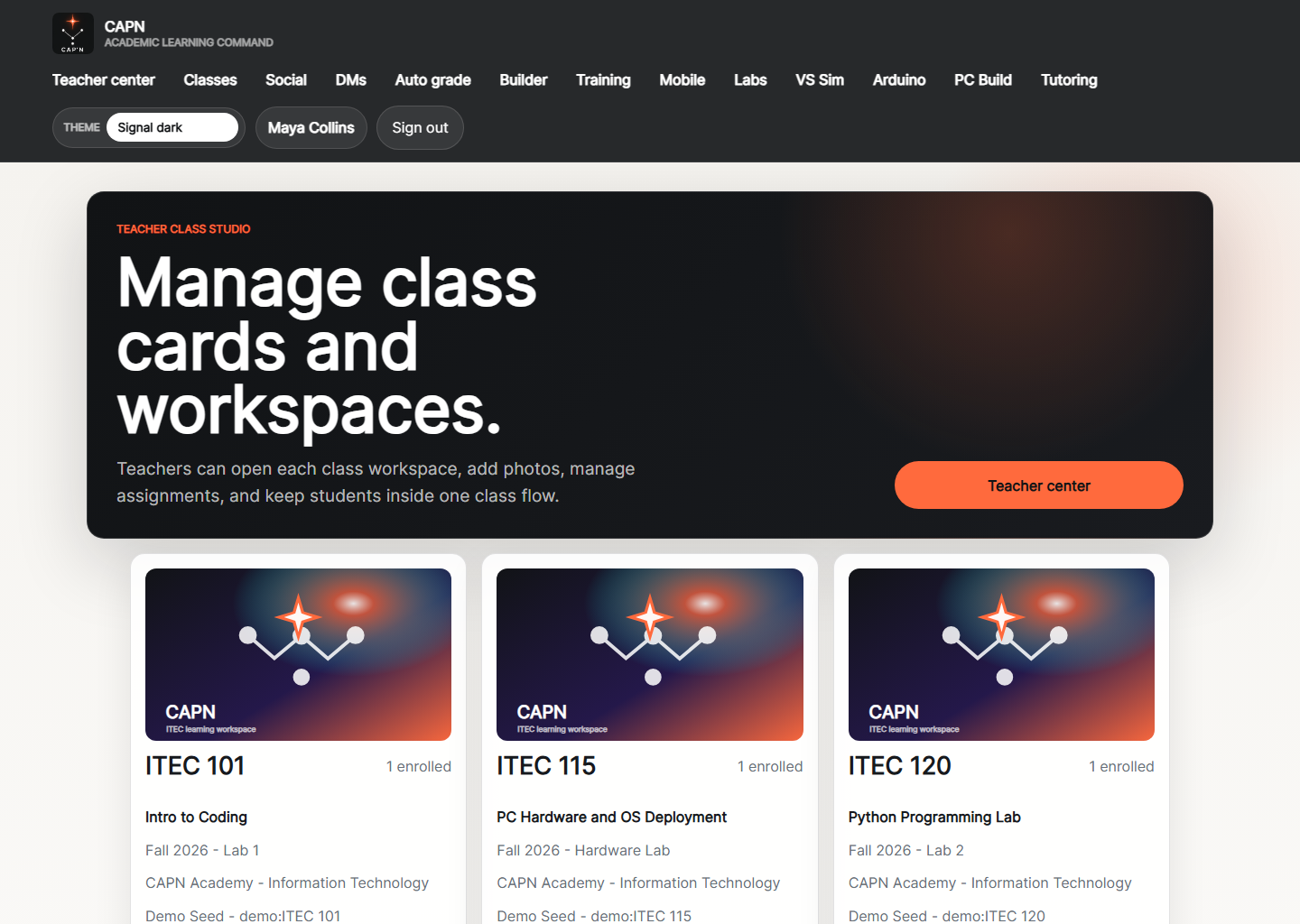
Teacher Classes
Teacher class studio for managing sections, opening workspaces, and keeping classroom cards organized.
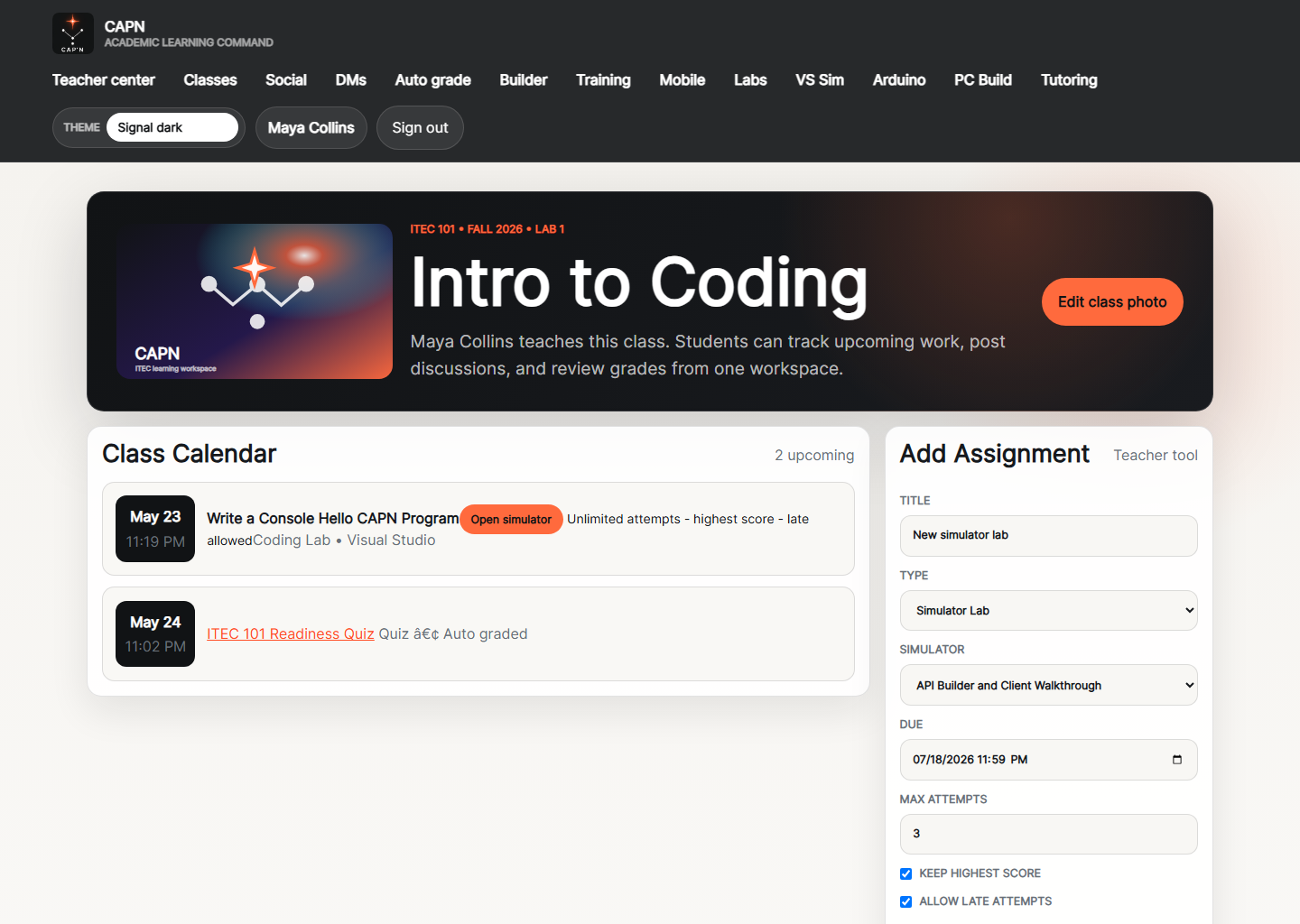
Teacher Class Workspace
Teacher-side workspace view with course discussion, assignments, and classroom context centered on one section.
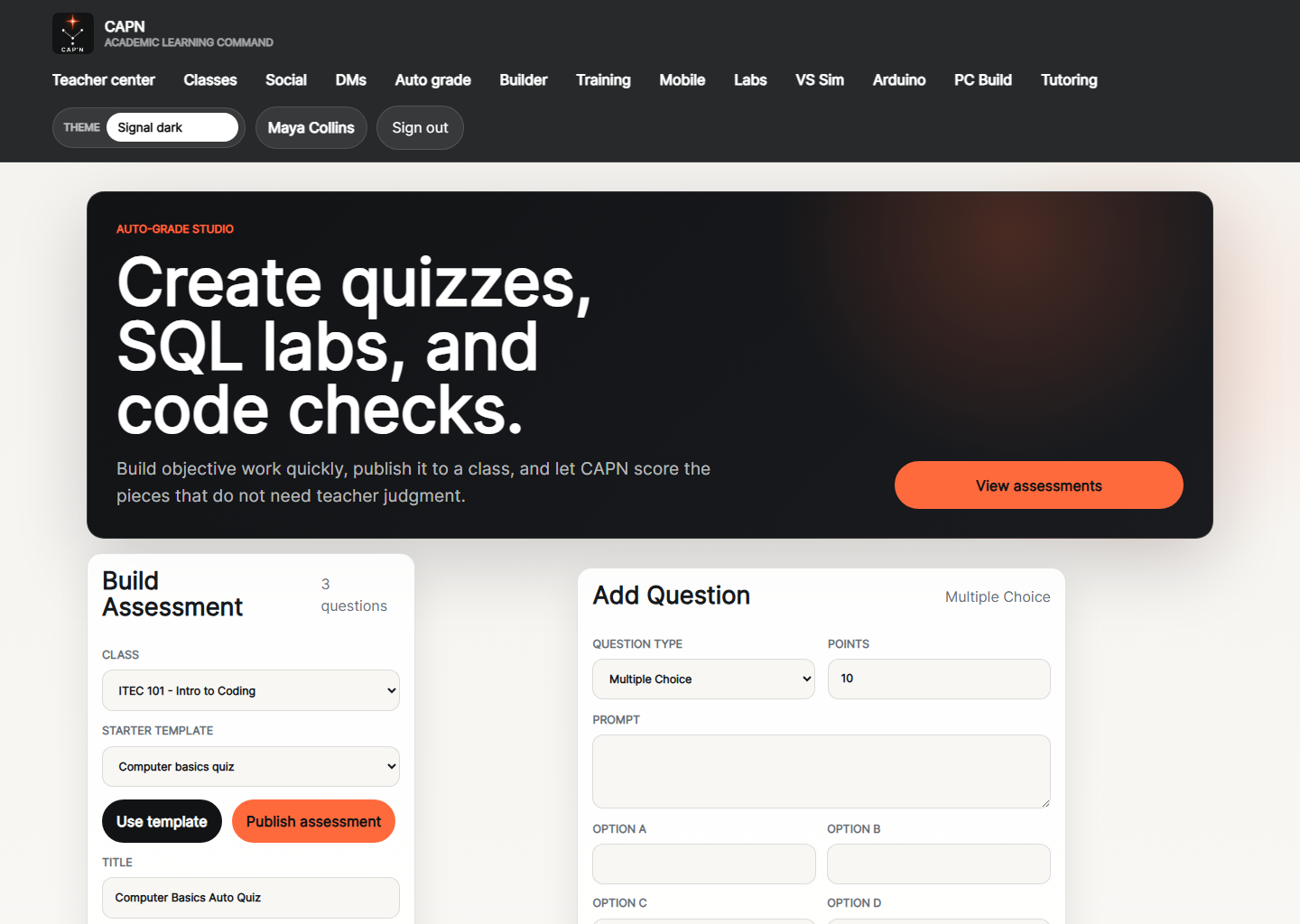
Teacher Assessments
Assessment studio for building quizzes, SQL labs, and auto-graded checks.
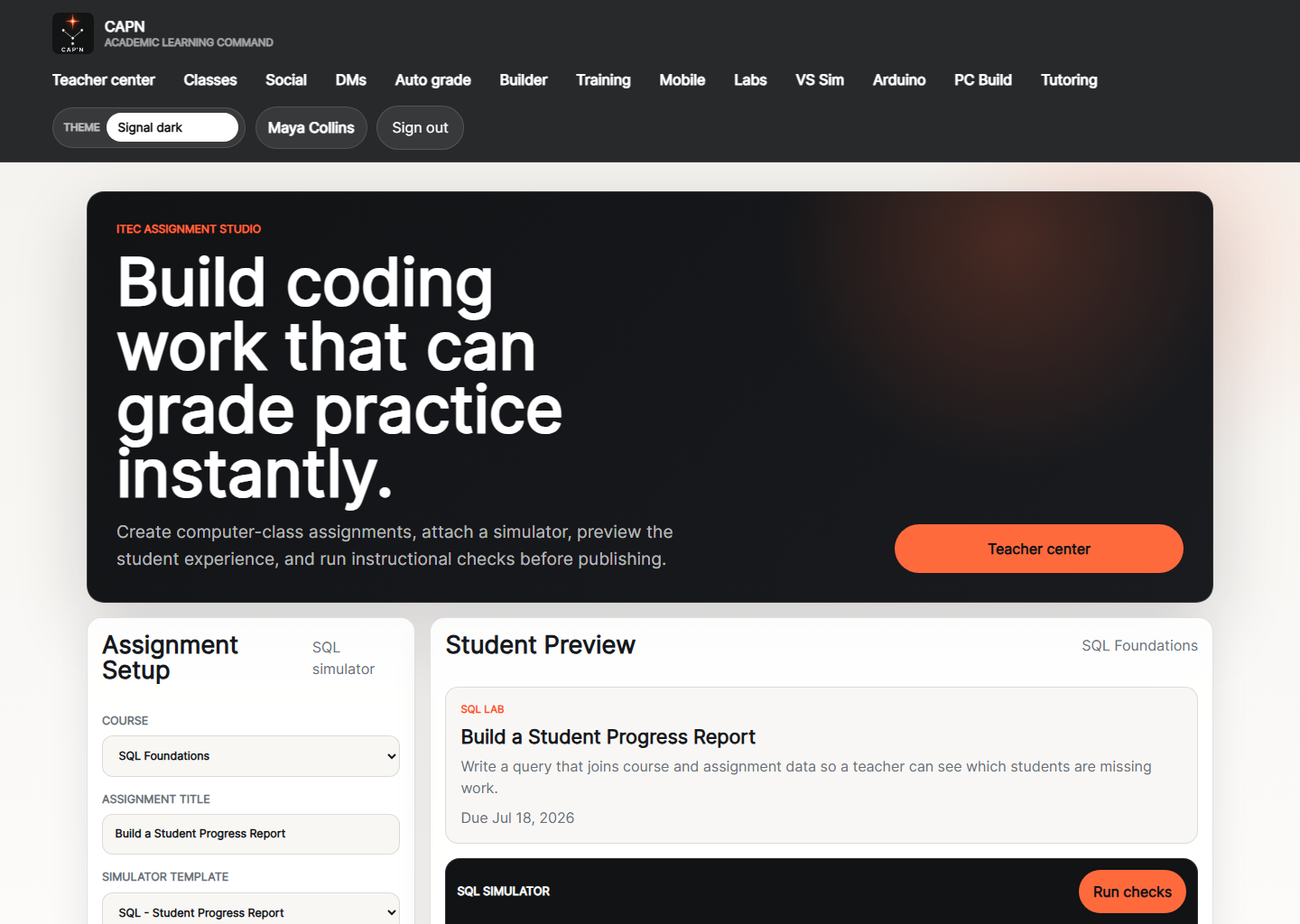
Assignment Builder
Assignment authoring screen for creating coursework, instructions, and grading-ready practice.
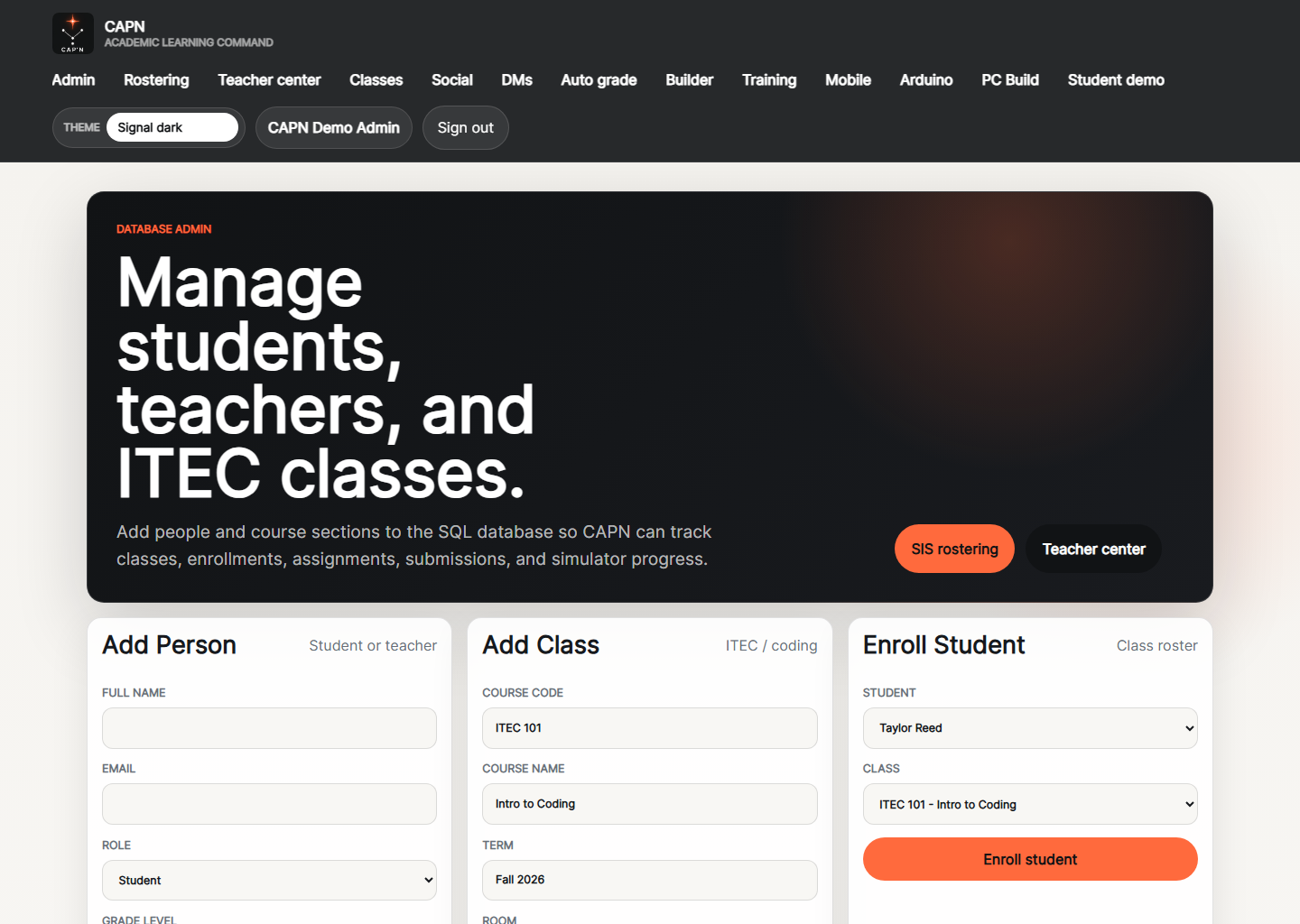
Admin Dashboard
Admin workspace for adding students, teachers, classes, and enrollments into the system.
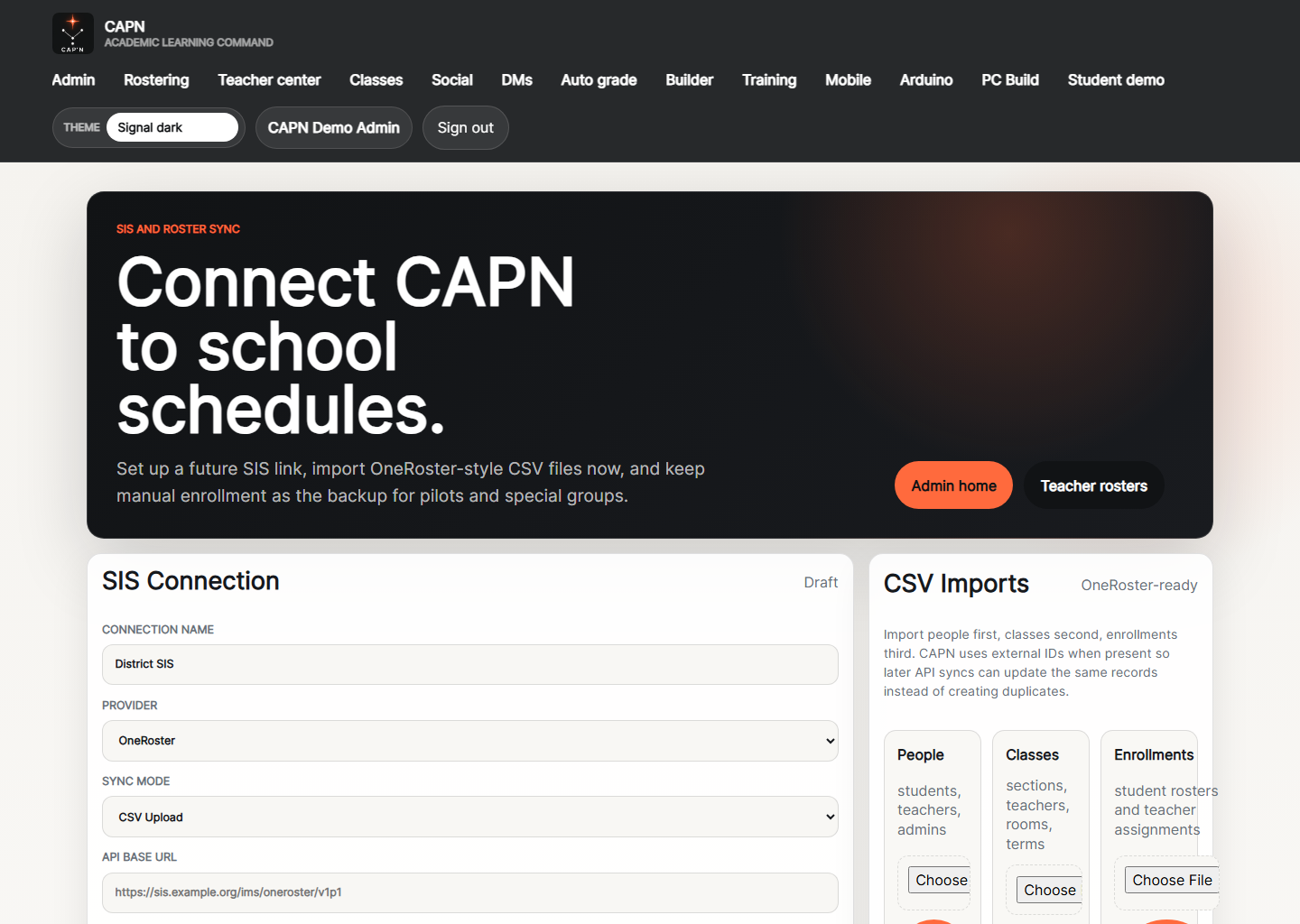
Admin Rostering
SIS and rostering page for syncing school schedules and managing import-driven class setup.
Chaser Food Pantry
ASP.NET MVC / Razor Pages / SQL Server / Barcode Integration / POS
Chaser Food Pantry was built as a barcode-driven point-of-sale and inventory tracking system designed to support pantry operations across desktop and mobile workflows. The software used ASP.NET MVC and Razor Pages with SQL Server on the backend, along with barcode scanner integration, inventory management, receipt printing, customer tracking, email validation, and mobile barcode scanning support. The project was designed to improve stock visibility, speed up transactions, and centralize operational data in a single workflow-focused system.
Tech Stack
Video Demo
CarDealZap
Blazor / SQL Server
CarDealZap is a vehicle marketplace being built in Blazor with a SQL Server backend for buying and selling cars. The platform is focused on searchable listings, vehicle discovery, and marketplace functionality for automotive sales. It is being designed as a modern data-driven web application that can scale into broader seller, buyer, and dealer workflows over time.
Tech Stack
RussoTechLabs (Windows XP Version)
Blazor / SQL Server / JavaScript
RussoTechLabs (Windows XP Version) is a Blazor application built to mimic the look and feel of Windows XP while still functioning as a modern interactive portfolio. It uses Blazor for the application structure, JavaScript to make the desktop icons dynamic and draggable, and SQL-backed features as part of the broader site functionality. The project combines nostalgic desktop UX with modern web development patterns, including windows, taskbar behavior, navigation, and project presentation.
Tech Stack
Oven Control & Quality Assurance
.NET MAUI / Industrial QA / Production Monitoring
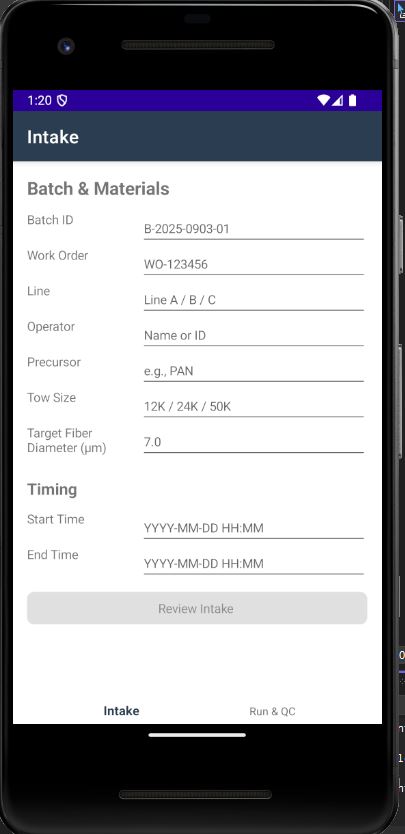
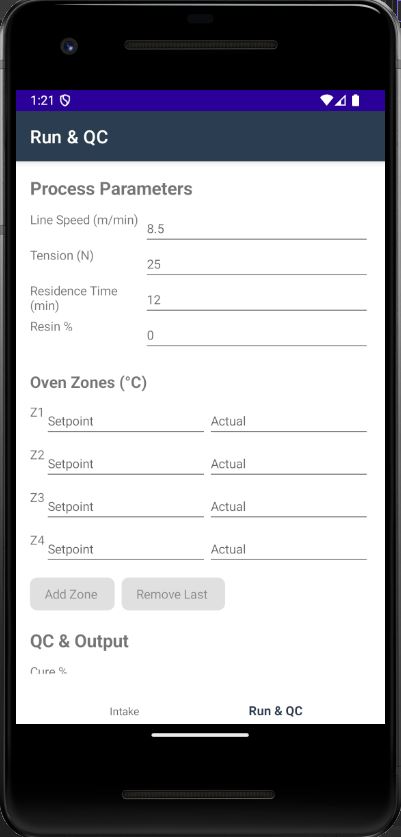
Oven Control & Quality Assurance is a cross-platform .NET MAUI application designed for a carbon-fiber production line. The application monitors and assists with temper oven control, logs thermal profiles, enforces QA checkpoints, and supports operator workflows with notes, photos, exports, and run tracking. It was designed for production visibility, defect handling, and structured audit support.
Tech Stack
Screenshots
Customer Orders & Sage Integration
WPF / SQL Server / API Integration / Excel Automation
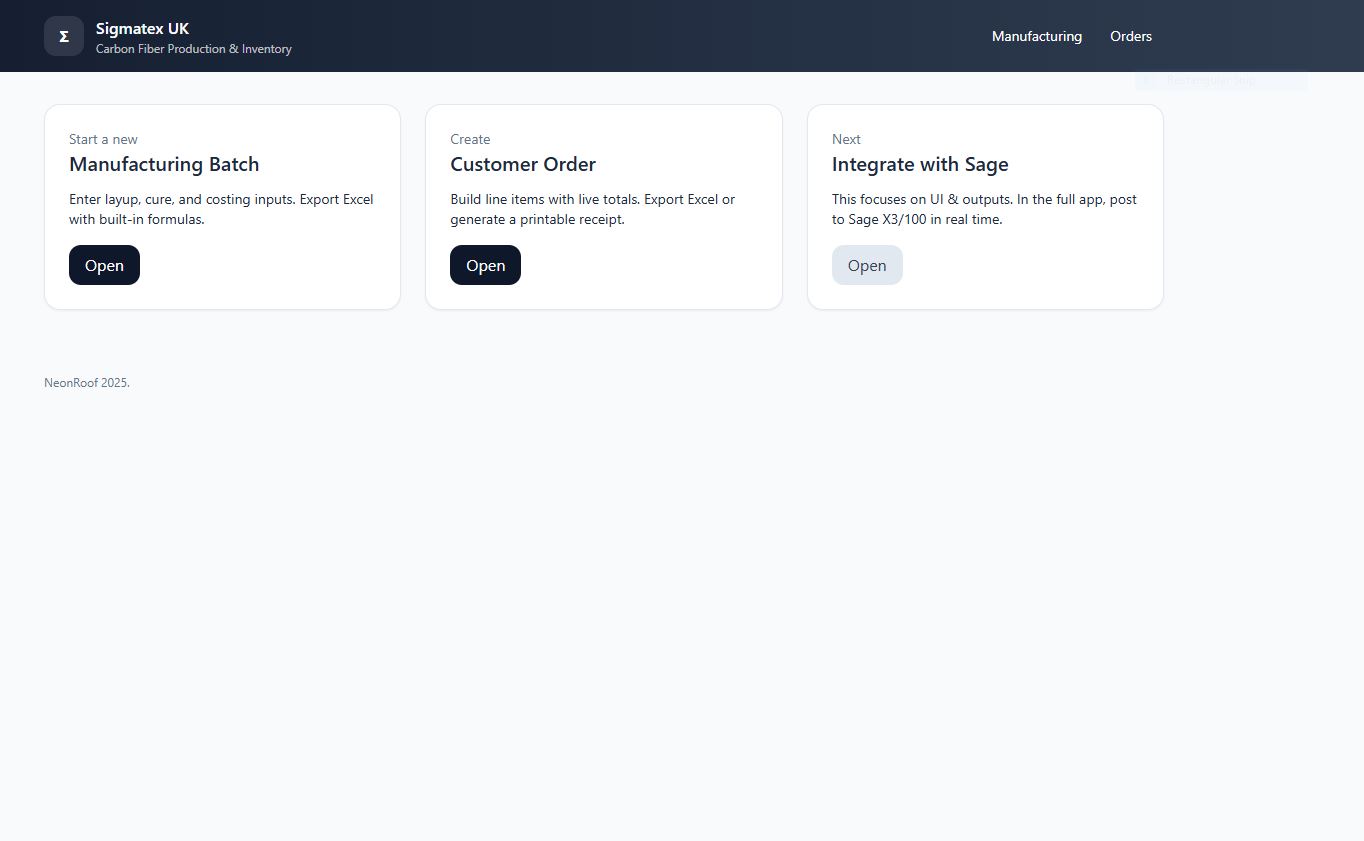
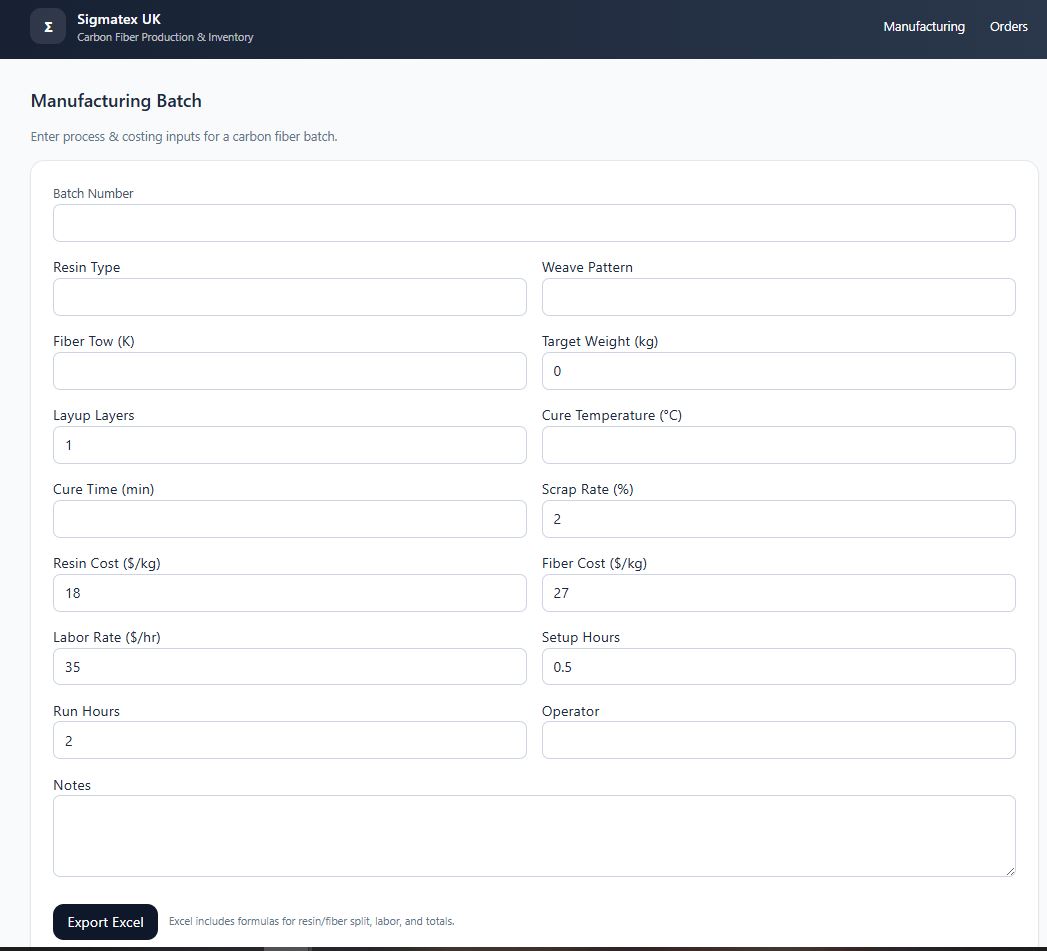
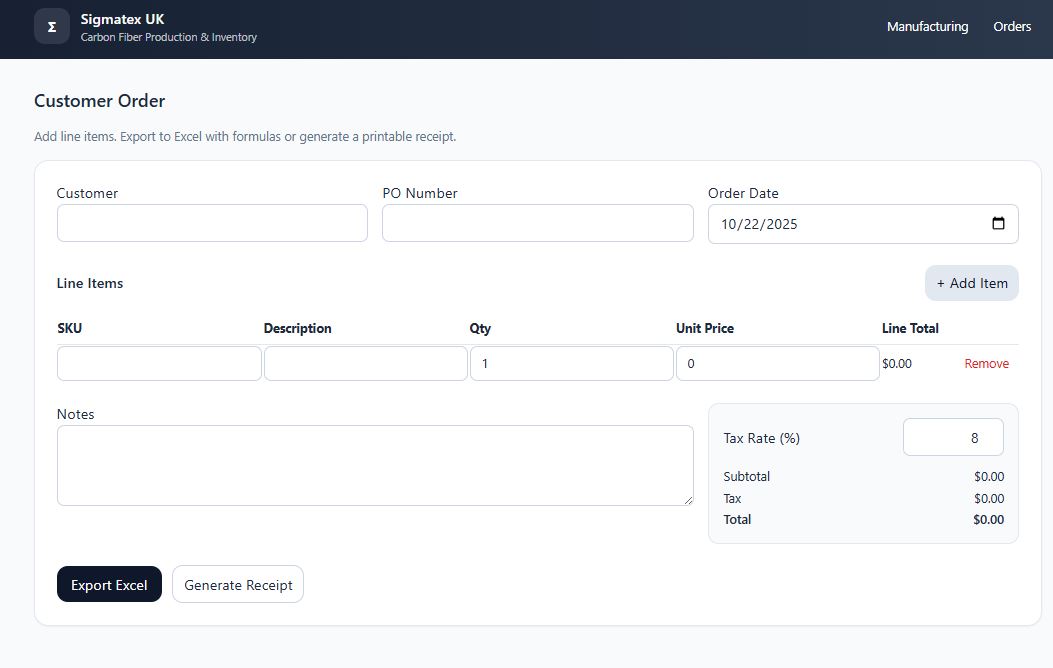
Customer Orders & Sage Integration is a WPF desktop application built to streamline order entry and reduce manual Excel work. Users can create customer purchase orders, manage line items, generate formula-ready Excel exports, and print receipts. The application integrates directly with Sage through an API to post orders and retrieve pricing and stock data for improved accuracy and faster processing.
Tech Stack
Screenshots
Paint By Numbers
Android / Kotlin / Image Analysis
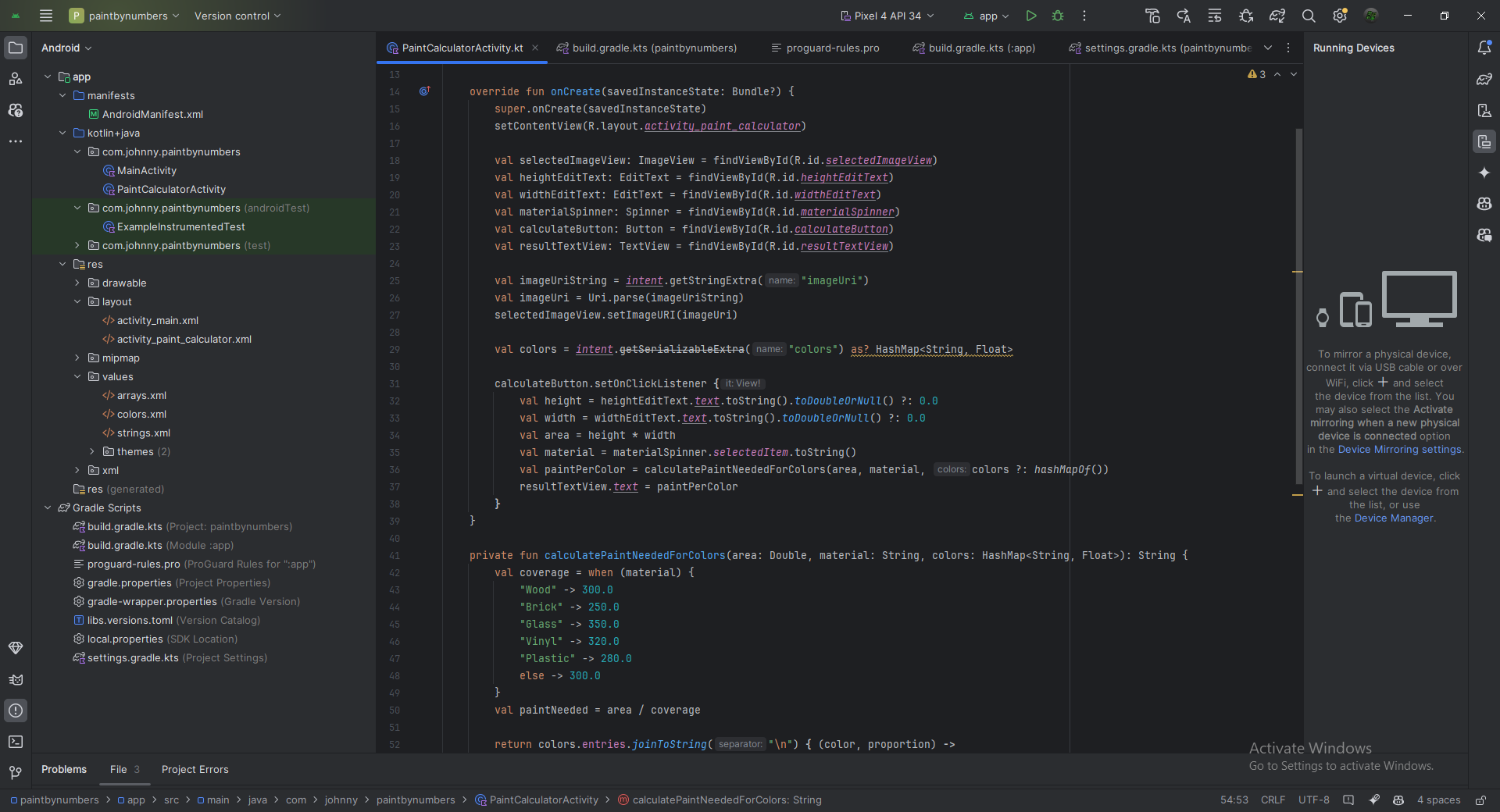
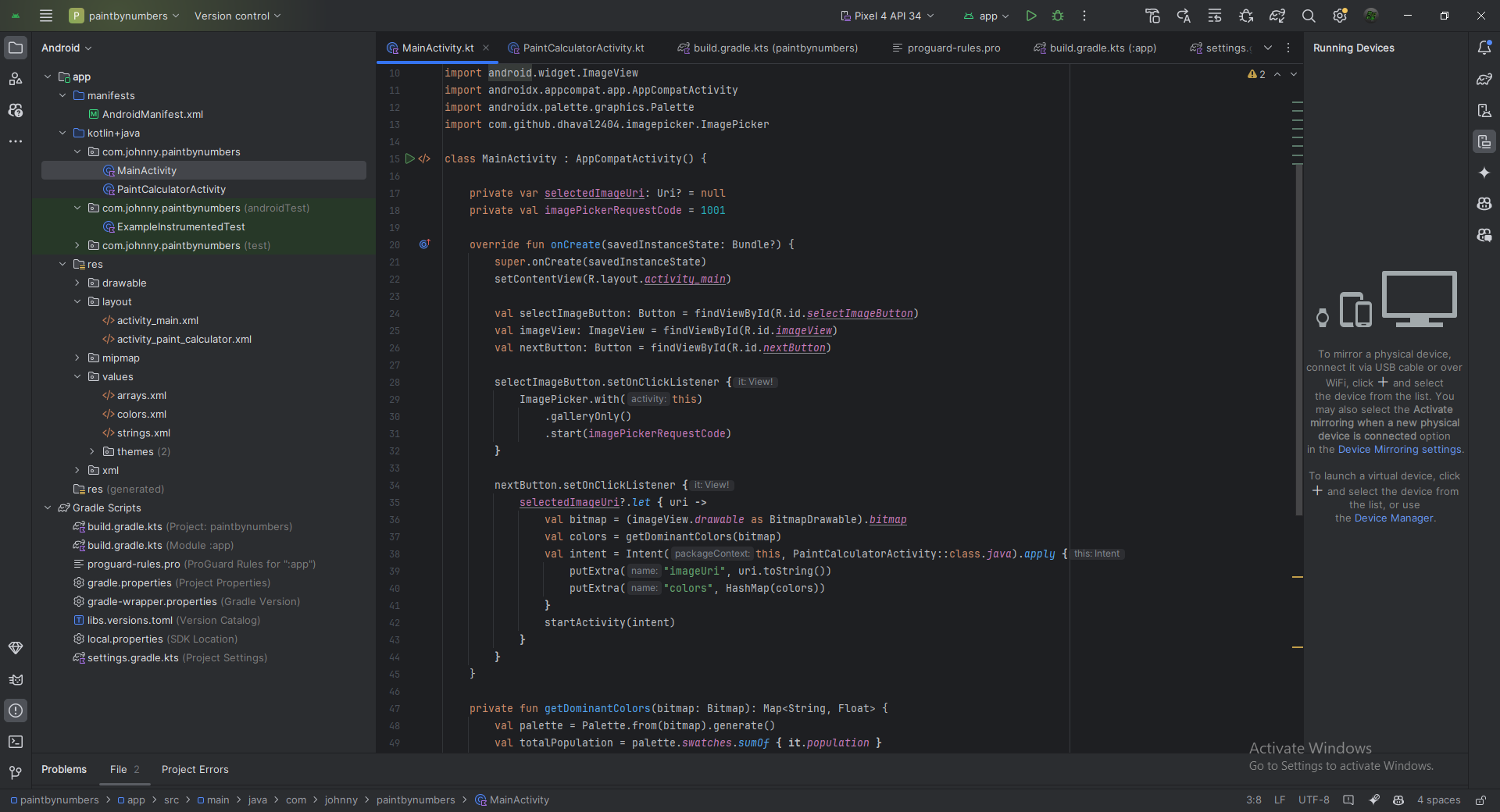
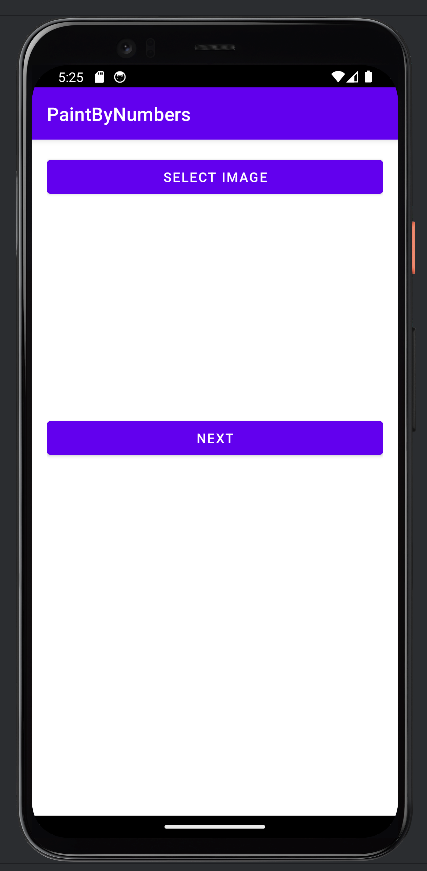
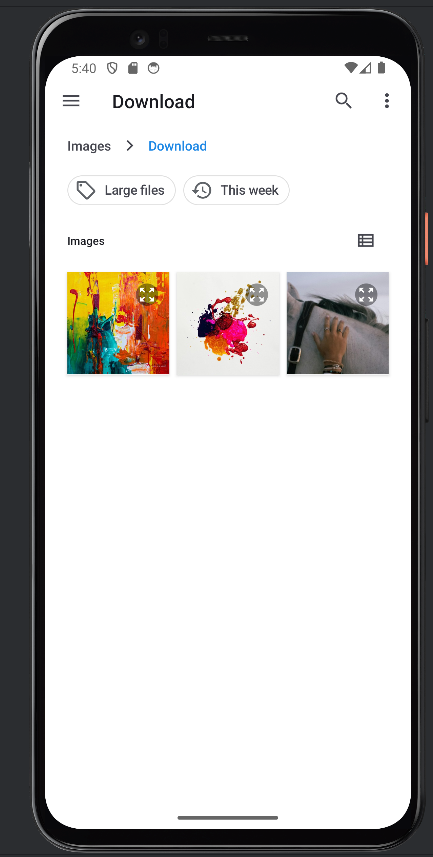
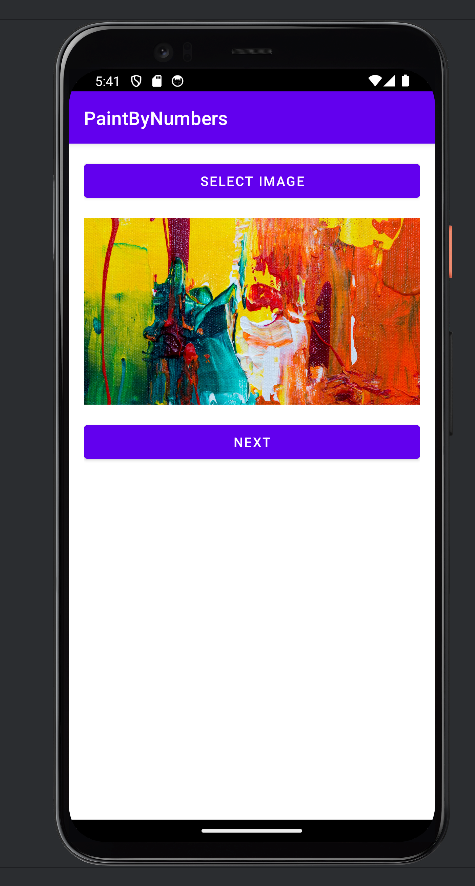
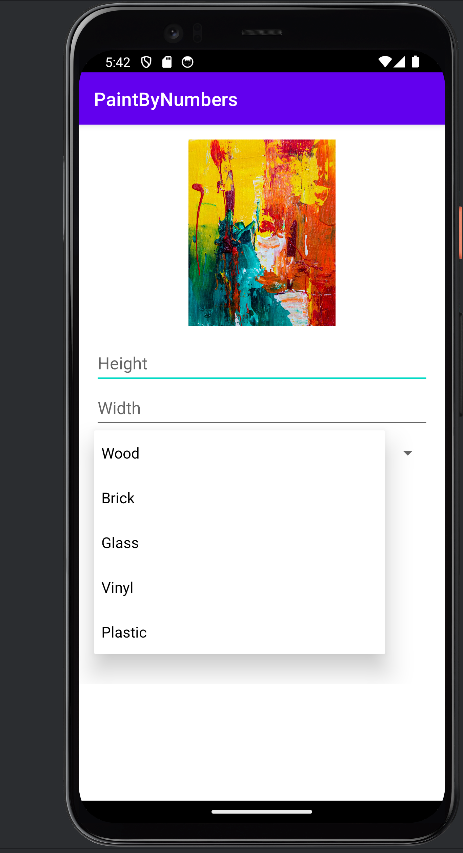
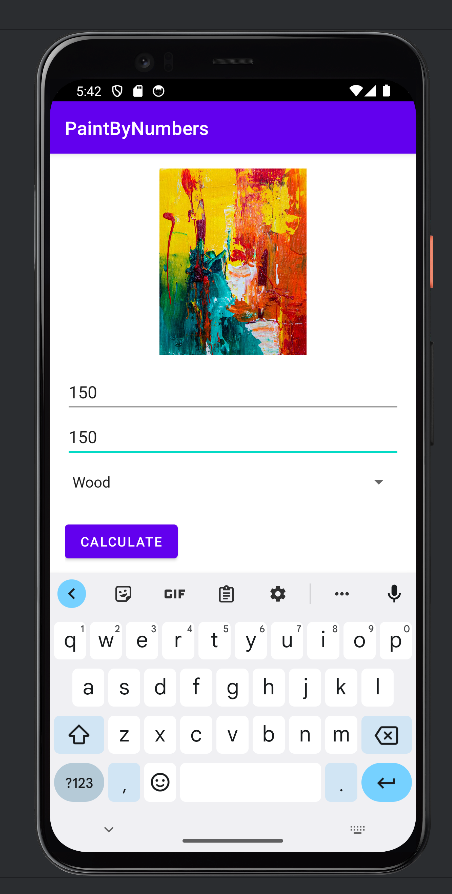
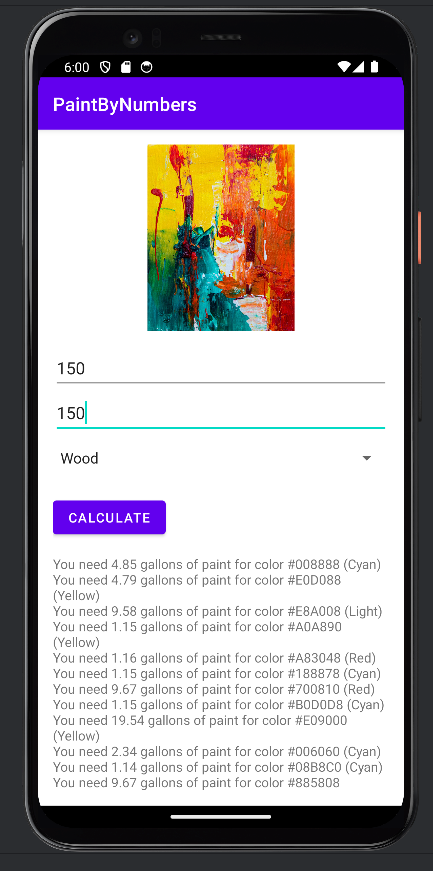
Paint By Numbers is an Android application written in Kotlin that calculates paint requirements based on wall size and material. It also allows users to upload an image, analyze dominant colors, and estimate the amount of paint needed for each color. The app was commissioned by an Austin artist and combines practical paint estimation with image-based color analysis.
Tech Stack
Screenshots
HubCityInsured.com
ASP.NET / SQL Server / Lead Platform / Dashboard
HubCityInsured.com is an ASP.NET and SQL Server lead platform built for secure intake and employee dashboard workflows. The platform was designed to scale across multiple partner sites and combines lead handling, structured data storage, and internal dashboard features in a web-based insurance workflow.
Tech Stack
Video Demo
State Capital Game
.NET MAUI / Android / Educational App
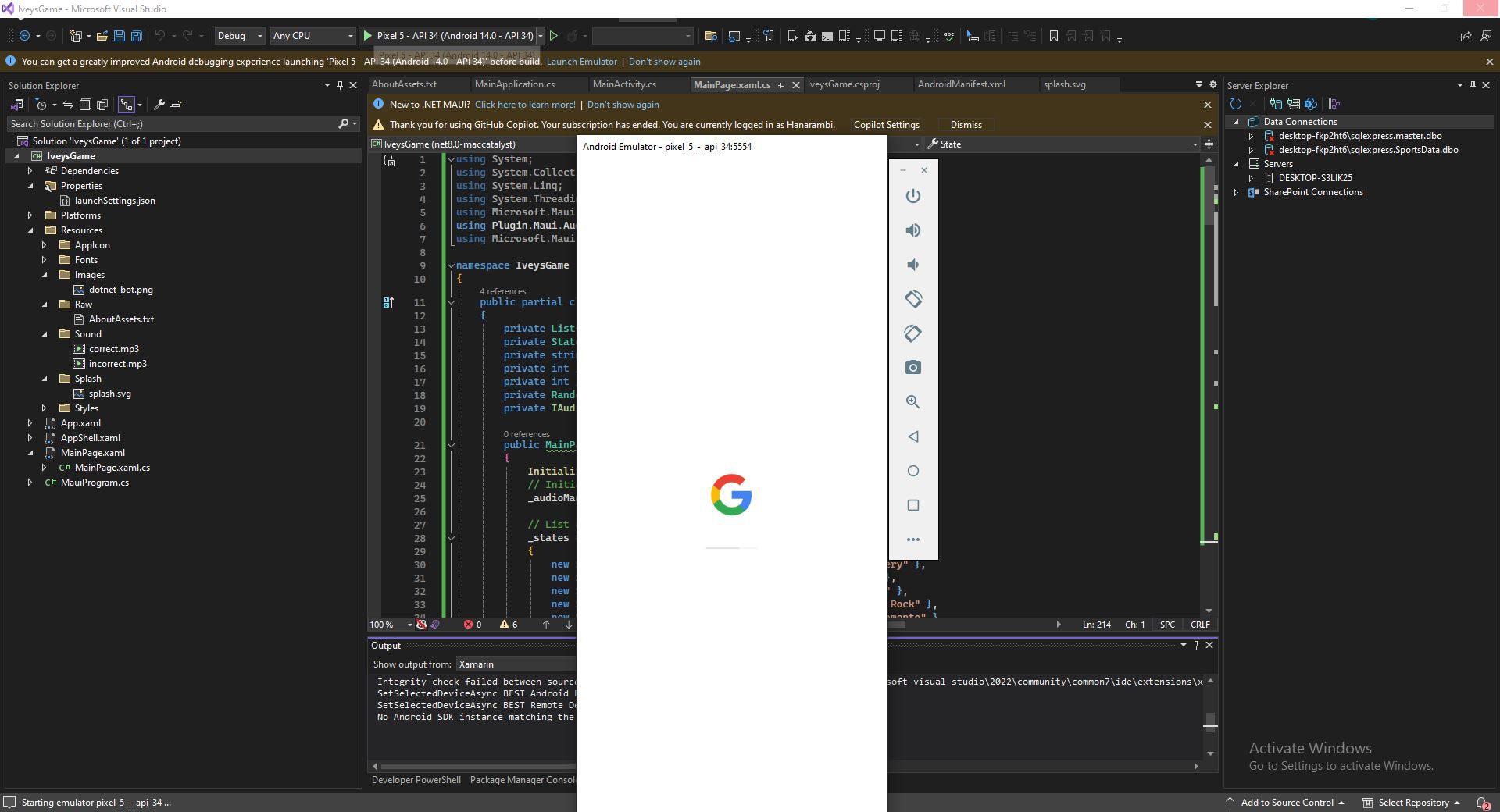
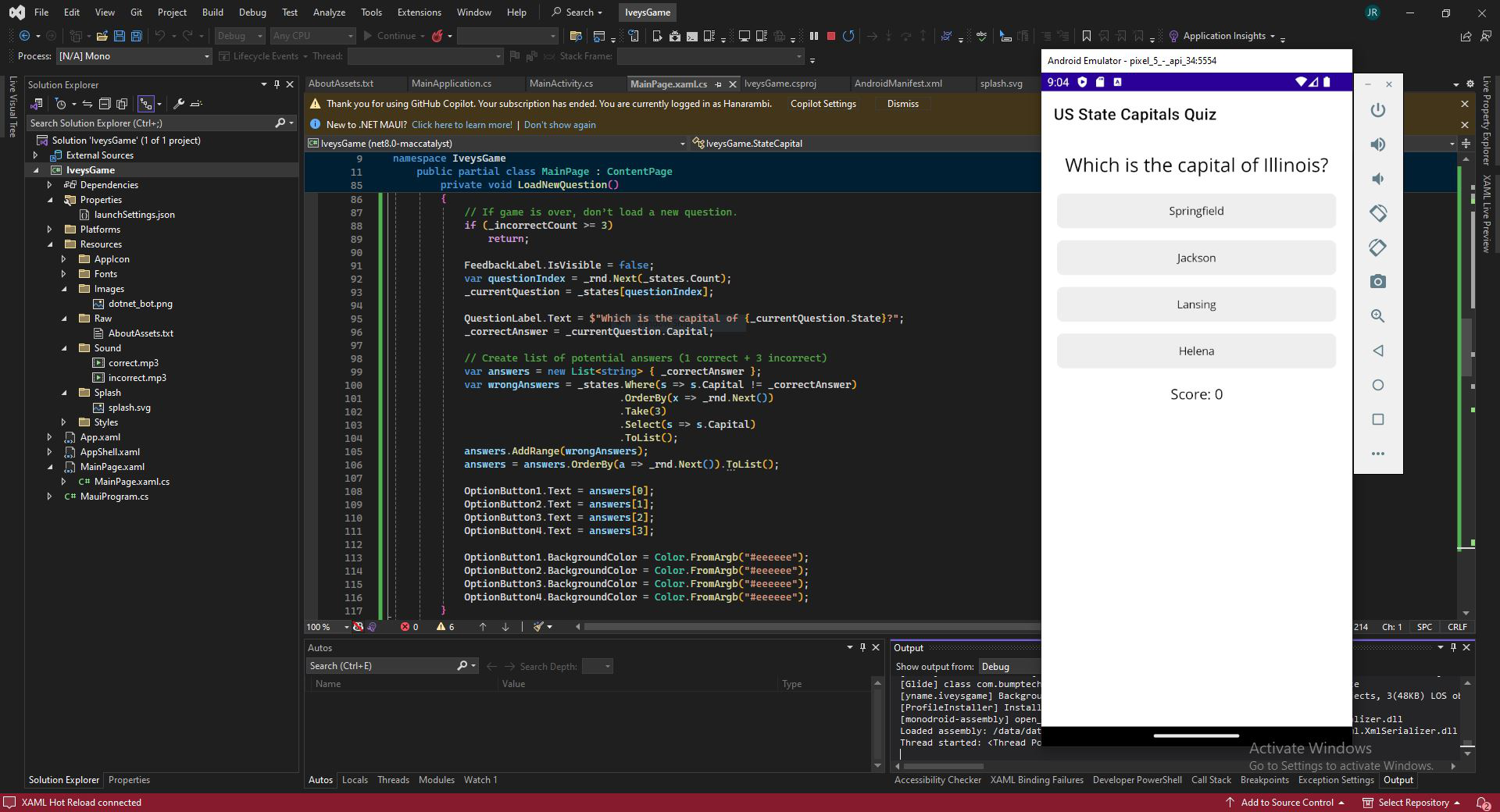
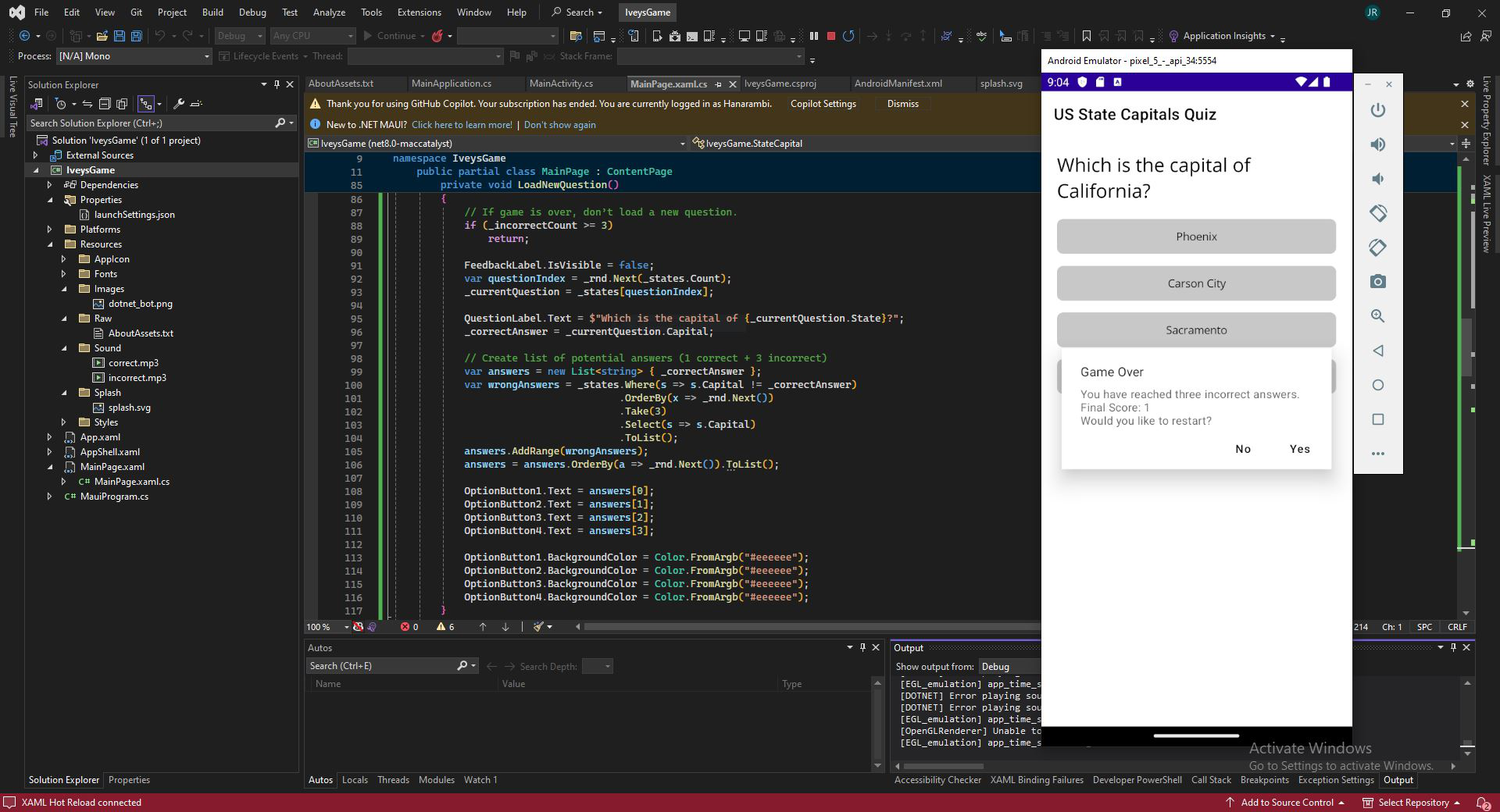
State Capital Game is a .NET MAUI Android application built around multiple-choice quizzes, scoring, and audio feedback. The project focuses on educational gameplay and mobile interaction design, using quiz logic and feedback systems to create a simple but polished learning experience.
Tech Stack
Screenshots
50 States
WinForms / SQL Server / Data Browser
50 States is a WinForms and SQL Server application designed to browse state information, open reference pages, generate summaries, and manage records in a structured way. The project combines desktop data browsing with SQL-backed record management and external information linking.
Tech Stack
Video Demo
ERD Builder
ASP.NET / JavaScript / Data Modeling
ERD Builder is a lightweight entity relationship diagram tool built with ASP.NET and JavaScript. It uses Crow's Foot notation to support data modeling and visual schema planning, with a focus on practical browser-based diagramming for structured data work.